
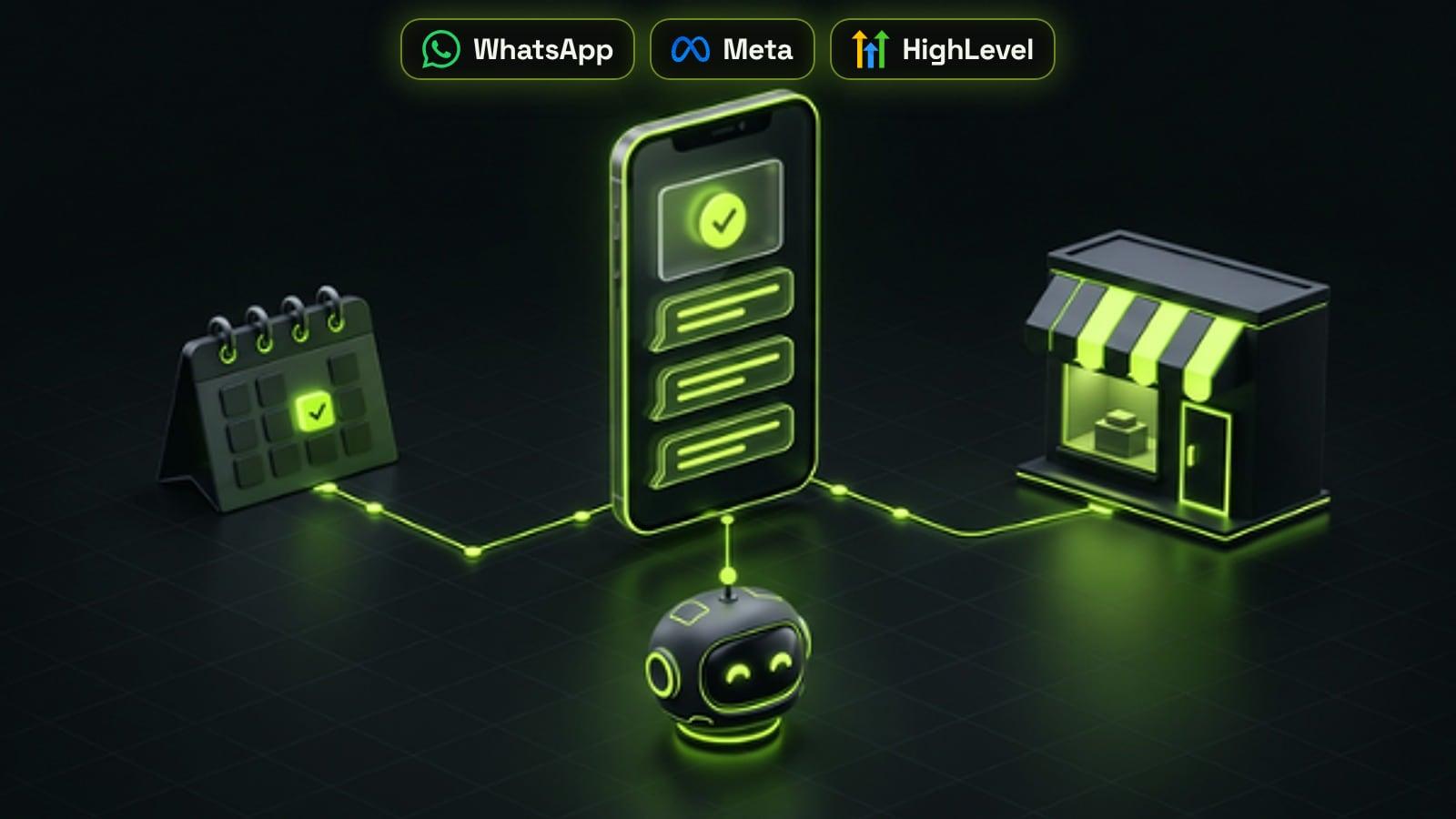
To automate WhatsApp for a business you need the WhatsApp Business Platform, usually connected through a CRM such as GoHighLevel, rather than the free WhatsApp Business app. Automated messages follow one main rule: while a 24-hour customer service window is open after the customer last messaged you, you can send free-form replies, and outside it you can only send pre-approved message templates. Meta charges per delivered message by category and country, and since 1 October 2026 service replies are also charged once a phone number has used its 1,000 free service messages for the month. AI assistants are allowed when they serve your own customers, but since 15 January 2026 Meta has banned general-purpose AI chatbots from the platform. Done well, WhatsApp handles lead replies, reminders and updates in the app your customers already check most.
The WhatsApp Business app vs the Business Platform
There are two products with similar names. The WhatsApp Business app is a free phone app with a business profile, greeting and away messages and quick replies. It suits a sole trader answering messages by hand, but it cannot be driven by a CRM workflow or shared properly across a team.
The WhatsApp Business Platform, often called the WhatsApp API, is what automation runs on. You connect a phone number through Meta directly or through a provider such as HighLevel, then send and receive messages from your CRM, trigger them from workflows and route conversations to the right person. Everything in the rest of this guide is about the Platform.
The 24-hour window and message templates
Meta's rules revolve around the customer service window. When a customer messages or calls you, a 24-hour timer starts, and every new message from them resets it. While the window is open you can reply with any free-form message, including media and interactive buttons. Once it closes, the only way to reach that person is a message template that Meta has approved in advance.
Templates fall into three categories, and the category decides both the rules and the price. Marketing templates cover offers, announcements and re-engagement. Utility templates cover updates about something the customer already asked for or bought, such as a booking confirmation or an order update. Authentication templates carry one-time passcodes. A reminder for an appointment someone booked is utility; a message promoting a new service to the same person is marketing.
How WhatsApp pricing works in 2026
Since 1 July 2025, Meta has charged per delivered message rather than per conversation. Each message gets one category, and the rate depends on that category and on the country code of the person receiving it. Meta publishes rate cards by market, so a utility message to a UK number and one to a US number are priced differently.
The October 2026 update changed what is free. Service messages, the free-form replies you send inside the customer service window, had been free since November 2024. Since 1 October 2026 each business phone number gets 1,000 free service messages a month, with no rollover, and Meta charges for service messages beyond that at the same rates as utility messages. Utility templates sent inside an open window, which had been free since July 2025, are charged again from the same date. Some provider help pages still describe service replies as always free, so check your invoices against Meta's pricing page rather than older guides.
- Marketing, utility and authentication templates are charged per delivered message, by category and country
- Service replies inside the 24-hour window are free up to 1,000 per phone number per month, then charged
- Messages sent after someone contacts you from a Click-to-WhatsApp ad or your Facebook Page button open a free entry point window in which messages are not charged
- Utility and authentication messages get volume discounts in tiers that reset each month
- Meta's own Business Agent is charged at $2 per million tokens, which Meta estimates at about 4 to 5 cents a message
Meta's rules for AI chatbots on WhatsApp
Meta changed the WhatsApp Business Solution terms with a new section for AI providers that took effect on 15 January 2026. Companies whose main product is a general-purpose AI assistant may no longer offer it through the Business Platform.
Meta said the change does not affect businesses using AI to serve their customers on WhatsApp, so an assistant that answers questions, qualifies leads or books appointments for your company is still allowed. Keep the assistant focused on your business, give it a clear hand-off to a person, and do not let it drift into open-ended chat on any topic. Our guide to AI chatbots for business websites covers how to scope and train one, and the same approach works on WhatsApp.
WhatsApp automations worth building
The best WhatsApp automations answer people quickly and send updates they expect. Promotional broadcasts are the easiest way to collect blocks and reports, which lower your quality rating.
- Instant lead reply: answer every enquiry from a Click-to-WhatsApp ad or website button within seconds, ask two or three qualifying questions, and offer a booking link
- Appointment confirmations and reminders as utility templates, as covered in our guide to reducing no-shows
- Order, job and delivery updates that tell customers what happens next without a phone call
- An AI assistant for common questions inside the 24-hour window, with a hand-off to the team for anything it cannot answer
- Occasional marketing templates to opted-in contacts, such as a seasonal offer, sent to segments rather than your whole list
Setting up WhatsApp automation in GoHighLevel
HighLevel connects a WhatsApp Business Platform number to a sub-account, so WhatsApp conversations sit in the same inbox as SMS, email and social messages. In workflows you add the WhatsApp action, choose the connected number, and either pick an approved template or send manual text. A Wait for WhatsApp Reply step and branches for undelivered messages and timeouts let you build back-and-forth flows.
Two features save the most money and mistakes. The Customer Service Window Check condition splits a workflow into an Open branch, where you send a free-form message, and a Closed branch, where you send a template. The Click to WhatsApp Ads trigger starts a workflow the moment someone messages you from a Meta ad or your Facebook Page, and stores the ad and campaign details on the contact, which helps when you compare lead quality across campaigns as in our guide to improving Meta lead ad quality. Our GoHighLevel workflow examples show how these fit into a complete follow-up system.
Opt-in, quality and staying out of trouble
Meta requires opt-in before you message someone first. The opt-in must clearly say that the person is agreeing to receive messages from your business and name the business, and it can be collected on a website form, by text, by phone or in person, as long as it complies with local law. Meta recommends separate opt-ins for different kinds of messages and clear, honoured opt-out instructions.
Recipients can block or report you, and Meta rate-limits businesses whose quality stays low for a sustained period. Send fewer, more relevant messages, stop marketing to people who never reply, and set replies such as STOP to mark the contact as do not disturb for WhatsApp. If you would rather have WhatsApp, your CRM and an AI assistant set up and maintained for you, our AI automation service builds and runs them alongside the rest of your follow-up.
Frequently asked questions
Can I automate messages with the free WhatsApp Business app?
Only in a limited way. The app offers greeting messages, away messages and quick replies, but it cannot be driven by CRM workflows or AI assistants. Automation from a CRM needs the WhatsApp Business Platform, connected through Meta or a provider such as HighLevel.
What is the WhatsApp 24-hour customer service window?
It is a 24-hour period that starts each time a customer messages or calls your business. While it is open you can send free-form replies. Once it closes you can only contact that person with a message template Meta has approved.
How much does WhatsApp Business messaging cost in 2026?
Meta charges per delivered message, with rates that depend on the message category and the recipient's country. Since 1 October 2026 each phone number gets 1,000 free service replies a month, after which service messages are charged at utility rates. Messages in the free entry point window after a Click-to-WhatsApp ad are not charged.
Are AI chatbots allowed on WhatsApp?
Yes, if the AI serves your own customers, for example answering questions, qualifying leads or booking appointments. Since 15 January 2026 Meta's terms ban companies whose main product is a general-purpose AI assistant from offering it through the WhatsApp Business Platform.
Do I need customer opt-in to send WhatsApp messages?
Yes, before you message someone first. The opt-in must say the person is agreeing to receive messages from your business and name the business. It can be collected on a form, by text, by phone or in person, as long as it follows local law.
How do I automate WhatsApp in GoHighLevel?
Connect a WhatsApp Business Platform number to your sub-account, get your templates approved, then add the WhatsApp action to workflows. Use the Customer Service Window Check condition to send free-form messages when the window is open and templates when it is closed.
Sources
- Pricing on the WhatsApp Business Platform, Meta for Developers
- Upcoming pricing updates for Meta Business Agent, service and utility messages, Meta for Developers
- Get opt-in for WhatsApp, Meta for Developers
- WhatsApp changes its terms to bar general-purpose chatbots from its platform, TechCrunch
- WhatsApp - Workflow Integration, HighLevel Support Portal
- WhatsApp: Customer Service Window Check, HighLevel Support Portal
- Workflow Trigger: Click to WhatsApp Ads & Facebook Page CTA, HighLevel Support Portal