
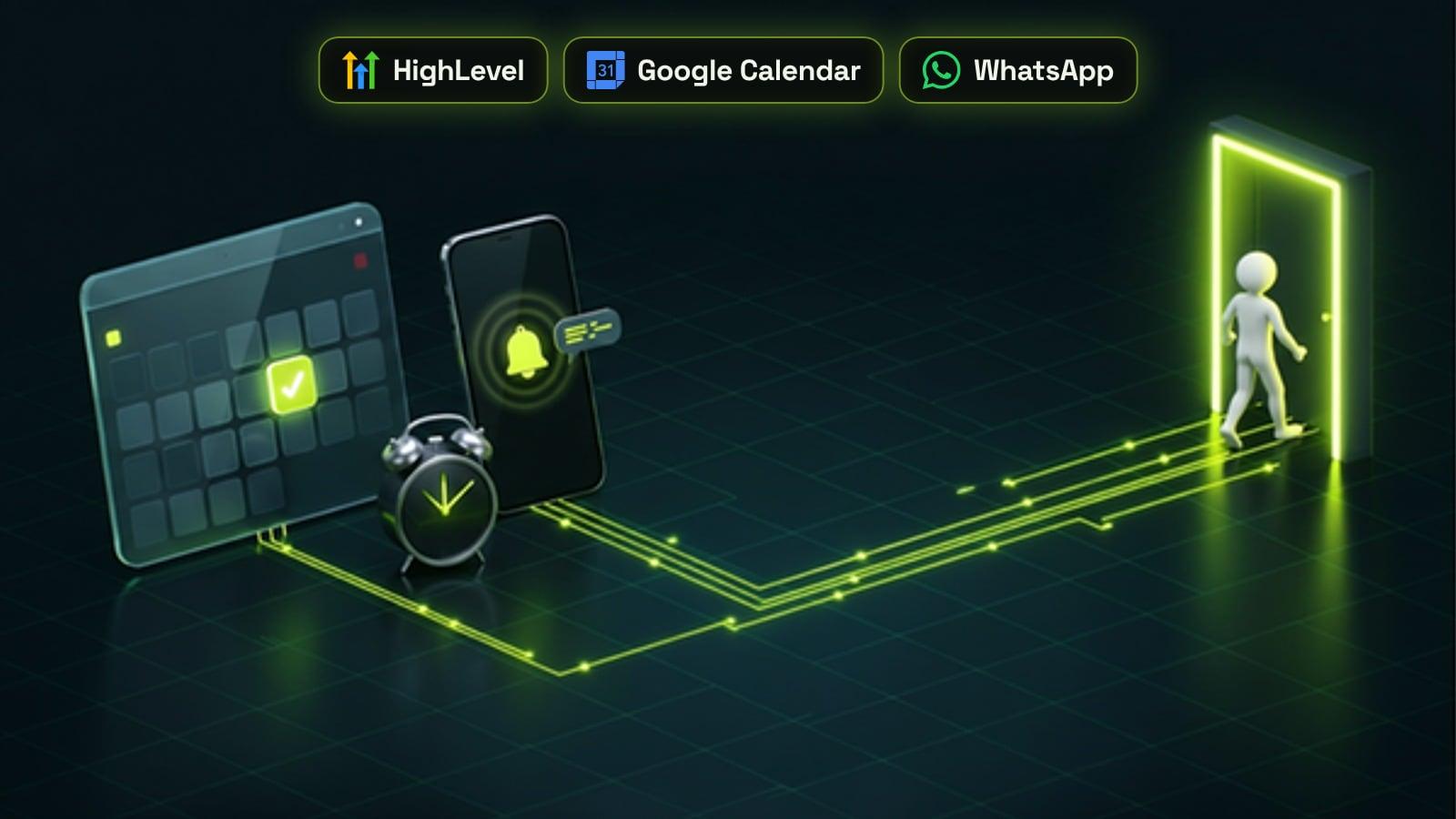
The most reliable way to reduce no-shows is an automated reminder sequence: a confirmation when the appointment is booked, a reminder a day or two before, a short text a few hours before, and a follow-up straight after a missed appointment with a link to rebook. A Cochrane review of eight randomised trials found that text reminders raised attendance from 67.8% to 78.6% compared with no reminder, about as well as a phone call but at lower cost. Reminders work best when every message includes the time, the place and a one-click way to confirm or reschedule, because people who can move an appointment easily cancel early instead of simply not turning up. In GoHighLevel, calendar notifications and the Appointment Status workflow trigger handle all of this without manual follow-up.
Why people miss appointments, and what reminders fix
Most no-shows are not people who decided against the appointment. They forgot, the time stopped suiting them and moving it felt like effort, or they were unsure of the details, such as where to go or what to bring. A no-show costs more than the empty slot: it wastes the ad spend and follow-up that produced the booking, and the slot usually cannot be refilled at short notice.
Reminders deal with all three causes. They put the appointment back in front of people at the right moment, they make cancelling or rescheduling a single tap so the slot comes back to you in time to refill it, and they repeat the practical details. The evidence is strong: in the Cochrane review, text reminders improved attendance by roughly 14% in relative terms compared with no reminder, and performed similarly to phone call reminders, which take staff time.
When to send appointment reminders
There is no single perfect schedule, but a sequence of three or four touches works for most service businesses. Adjust it to how far ahead people book and how much preparation the appointment needs.
- Immediately after booking: a confirmation with the date, time, location or video link, and how to reschedule
- One to two days before: a reminder that asks people to confirm, so you still have time to fill the slot if they cancel
- Two to three hours before, or the morning of: a short text with the time and address or link
- For appointments booked weeks ahead: an extra reminder about a week before
- Straight after a no-show: a friendly message with a link to rebook, sent while the intent is still there
SMS, email or WhatsApp: which channel to use
Use more than one channel, with each doing the job it is best at. Email suits the detailed confirmation, with directions, preparation notes and a calendar invite. SMS suits the short reminders close to the appointment, because texts are read quickly on the device people carry. WhatsApp works well where customers already use it, but business messages there have to use pre-approved templates.
In the US, business texting from a local number also needs carrier registration before reminders will be delivered. If you have not done that yet, our A2P 10DLC registration guide covers the steps, fees and the opt-in wording carriers expect. Keep every reminder short, include your business name and make the opt-out clear.
Make confirming and rescheduling one tap
The single biggest improvement to most reminder setups is a working reschedule link. Someone who can move the appointment in a few seconds will usually do it, which gives you the slot back early. Someone who has to call during office hours often does nothing and does not turn up.
- Ask people to confirm in the day-before reminder, and mark the appointment confirmed when they do
- Include a reschedule link and a cancel link that open your booking calendar with the appointment already loaded
- Repeat the practical details: address, parking, video link, what to bring and how long it takes
- Send a calendar invite with the confirmation so the appointment lives in their own calendar
- Flag unconfirmed appointments for a quick personal call or text from the team the day before
Setting up reminders in GoHighLevel
HighLevel handles the basics inside each calendar. Under the calendar's notification settings you can send messages for a booked but unconfirmed appointment, a confirmed booking, a cancellation, a reschedule, reminders timed before the appointment and follow-ups timed after it. Notifications can go by email, in-app, SMS and WhatsApp, with WhatsApp limited to approved templates.
For anything more than a fixed set of messages, build the sequence as a workflow. HighLevel recommends starting appointment workflows with the Customer Booked Appointment or Appointment Status trigger, so appointment merge fields such as the reschedule link fill in correctly. A wait step set relative to the appointment time then sends each reminder at the right moment, and if/else branches can skip the day-before text once someone has confirmed. Our GoHighLevel workflow examples include a full booking and reminder workflow you can adapt. If staff manage their schedules in Google Calendar or Outlook, connect it to the HighLevel calendar so bookings and blocked time stay in step.
Following up after a no-show
A no-show is still a warm lead. The Appointment Status trigger fires when an appointment is marked as Showed, No-show, Cancelled or Invalid, among other statuses, so you can start a recovery sequence the moment a team member marks someone as a no-show.
- Within an hour: a short, friendly text saying you missed them, with a link to rebook
- Next day: an email that repeats the value of the appointment and the booking link
- If there is still no reply: a task for a team member to call, or an AI voice agent that can call back and rebook
- Tag repeat no-shows, and consider a deposit or card on file for them in future
- Mark showed appointments too, so the reports show your real show rate
Measure your show rate and keep improving
Track the show rate per calendar, team member and lead source each week, and compare it before and after changes. That is only possible if appointments are marked consistently as showed or no-show, so make it part of the daily routine. Lead source matters too: bookings from some campaigns can show far less often than referrals, which our guide to tracking lead sources with UTMs helps you see.
Change one thing at a time, such as the timing of the day-before reminder or the wording of the confirmation request, and give it a few weeks. If you would rather have the reminders, rebooking flows and reporting set up and maintained for you, our CRM done-for-you service covers it.
Frequently asked questions
Do appointment reminders really reduce no-shows?
Yes. A Cochrane review of eight randomised trials found that text message reminders increased attendance from 67.8% to 78.6% compared with no reminder, and worked about as well as phone call reminders at lower cost.
When should I send appointment reminders?
A good default is a confirmation straight after booking, a reminder one to two days before that asks people to confirm, and a short text two to three hours before. Add a reminder about a week ahead for appointments booked far in advance.
Are text reminders better than email reminders?
They do different jobs. Texts are read quickly, so they suit short reminders close to the appointment. Email suits the detailed confirmation with directions and preparation notes. Using both usually works better than either alone.
How do I set up appointment reminders in GoHighLevel?
Turn on reminder notifications in the calendar's notification settings, or build a workflow that starts with the Customer Booked Appointment or Appointment Status trigger and uses wait steps timed to the appointment. Workflows let you skip reminders once someone confirms and include the reschedule link.
What should I send after a no-show?
Send a short, friendly text within an hour with a link to rebook, follow it with an email the next day, and then have a team member call if there is still no reply. Starting this from the No-show appointment status keeps it automatic.
Should reminders include a reschedule link?
Yes. A one-tap reschedule or cancel link lets people move an appointment instead of missing it, which gives you the slot back in time to fill it. It is one of the simplest ways to cut no-shows.
Sources
- Mobile phone messaging reminders for attendance at healthcare appointments, Cochrane Database of Systematic Reviews (PubMed)
- Calendar Email, In-App, SMS & WhatsApp Appointment Notifications, HighLevel Support Portal
- Workflow Trigger: Appointment Status, HighLevel Support Portal