
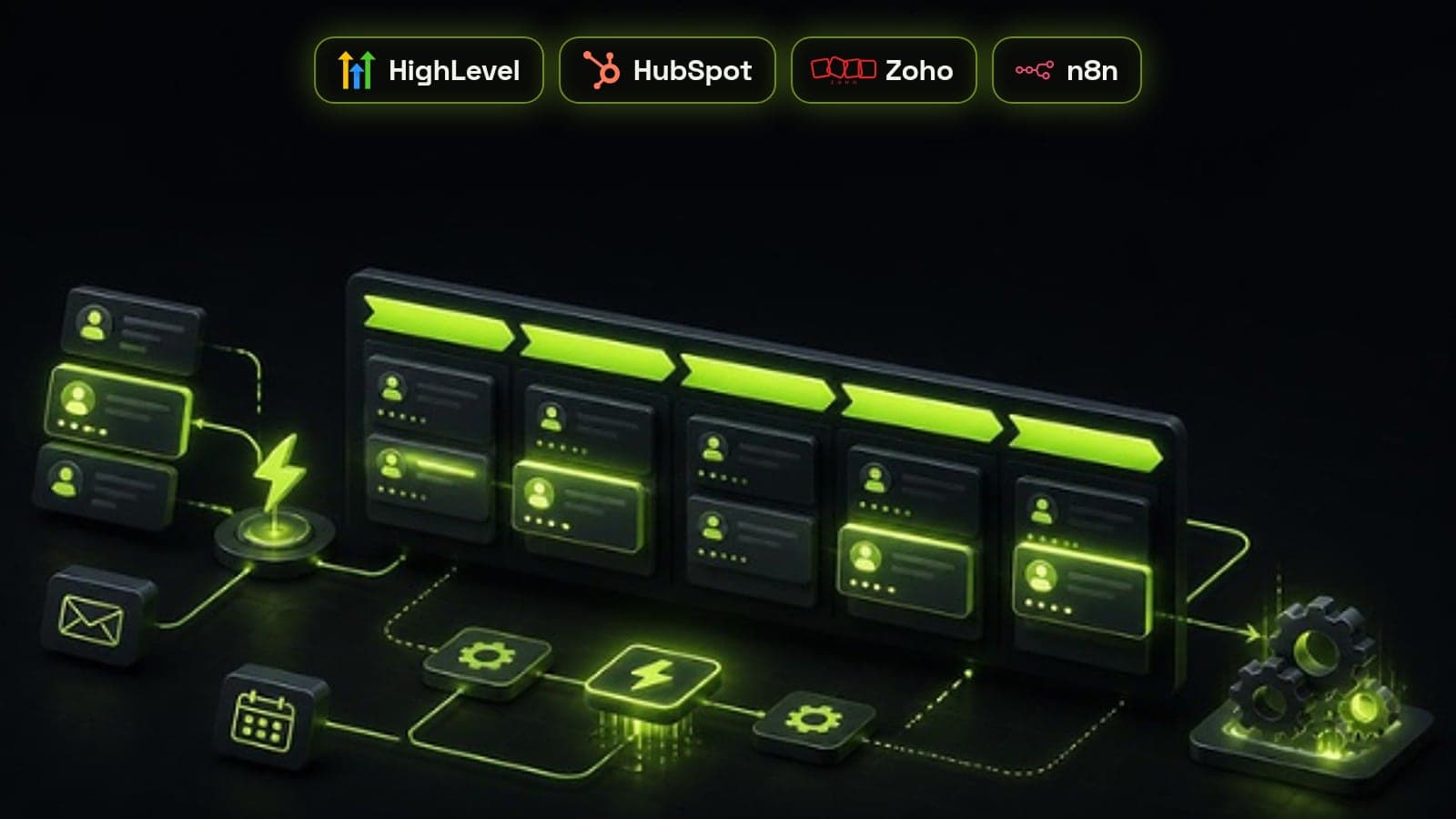
CRM automation means letting your CRM do the repetitive work around a deal on its own: capturing leads, assigning them, following up, moving deals between stages, and telling people what needs their attention. Done well, it gives every lead the same fast, consistent treatment whether it arrives at 10am on a Tuesday or 9pm on a Sunday. Done badly, it buries the team in duplicate tasks and emails nobody asked for. This is the order we build CRM automation in for service businesses on GoHighLevel, HubSpot, Zoho and similar platforms, and why.
What CRM automation is, and what it is not
A CRM automation is a rule with three parts: a trigger (a form is submitted, a deal changes stage, a date passes), optional conditions (the lead is from the UK, the deal is over a certain value), and one or more actions (create a task, send a message, update a field, notify a rep). Every major CRM has a built-in workflow builder for this, and tools like n8n extend it to the systems the CRM cannot reach on its own.
It is not a replacement for a sales process. Automation copies whatever process you already have, faster. If stages are vague, owners are missing or the data is dirty, automating it multiplies the mess. That is why we run a CRM audit before building anything.
1. Lead capture from every source
The first workflow makes sure every enquiry becomes a CRM record with a source attached: website forms, calendar bookings, paid landing pages, chat, inbound calls and lead ads. Each source maps into the same fields, duplicates are matched on email and phone, and a deal is created where one should exist.
Nothing else on this list works until this does. You cannot follow up, route or report on a lead the CRM never saw.
2. Instant acknowledgement
Within a minute of an enquiry, the lead gets a short, human-sounding SMS or email confirming you received it and saying what happens next, ideally with a booking link. This one workflow buys your team time without the lead going cold, and it is the cheapest win in CRM automation.
3. Routing and assignment
Every new lead gets an owner straight away, chosen by rules you can explain: territory, service line, deal size, language, or round robin across whoever is working. If the owner has not responded within a set window, the lead escalates or moves to the next rep.
We cover this in depth in our guide to lead routing and speed to lead, because response time is where most pipelines quietly lose deals.
4. Follow-up sequences that stop on reply
Most leads do not book on the first touch. A follow-up sequence sends a planned series of calls, texts and emails over the next one to two weeks, and creates call tasks for the rep at the right moments.
The rule that matters most: the sequence stops the moment the lead replies, books or is marked lost. Sequences that keep firing after a reply are the fastest way to make automation look careless.
5. Appointment reminders and no-show recovery
Booked calls get reminders the day before and an hour before, with an easy reschedule link. If the lead does not show, a separate workflow sends a rebooking message and creates a task for the rep, rather than letting the deal sit in a 'booked' stage forever.
6. Stage-based tasks and deal hygiene
When a deal enters a stage, the CRM creates the tasks that stage needs: send the proposal, chase the signature, schedule onboarding. When a deal sits in one stage longer than it should, the owner and their manager get a nudge.
This keeps the pipeline honest. Forecasts stop relying on deals nobody has touched in a month.
- Tasks created on stage entry, not by memory
- Stale-deal alerts after a set number of days per stage
- Required fields enforced before a deal can move to the next stage
- Lost reasons captured from a fixed list
7. Hand-off from sales to delivery
When a deal is won, the workflow notifies the delivery team, creates the onboarding project or pipeline record, sends the client a welcome message with next steps, and passes over everything sales learned. Clients notice when they have to repeat themselves, and this workflow removes that moment.
8. Reviews, referrals and re-engagement
Once a client has had a good result, ask for a review and a referral automatically, at a moment you choose rather than whenever someone remembers. Leads that went quiet or were lost for timing get a re-engagement message months later, which often surfaces deals the team had written off.
The order matters more than the tools
We build these in sequence because each one depends on the one before: capture feeds acknowledgement, acknowledgement buys time for routing, routing gives follow-up an owner, and so on. Building review requests before lead capture is reliable is effort spent at the wrong end of the funnel.
The platform matters less than people expect. GoHighLevel suits agencies and service businesses that want CRM, messaging and booking in one place. HubSpot suits teams that want deeper marketing and reporting. Zoho suits businesses already on its wider suite. All three can run every workflow above; where they cannot reach another system, n8n fills the gap.
Mistakes that break CRM automation
Most broken CRM automation we inherit fails in the same few ways. Avoid these and the workflows above will keep working long after launch.
- Automating before the pipeline and data are clean
- Sequences with no stop condition when a lead replies
- Overlapping workflows that send the same lead three messages
- No owner for each workflow, so nobody notices when it fails
- No monthly review of what each workflow actually sends