
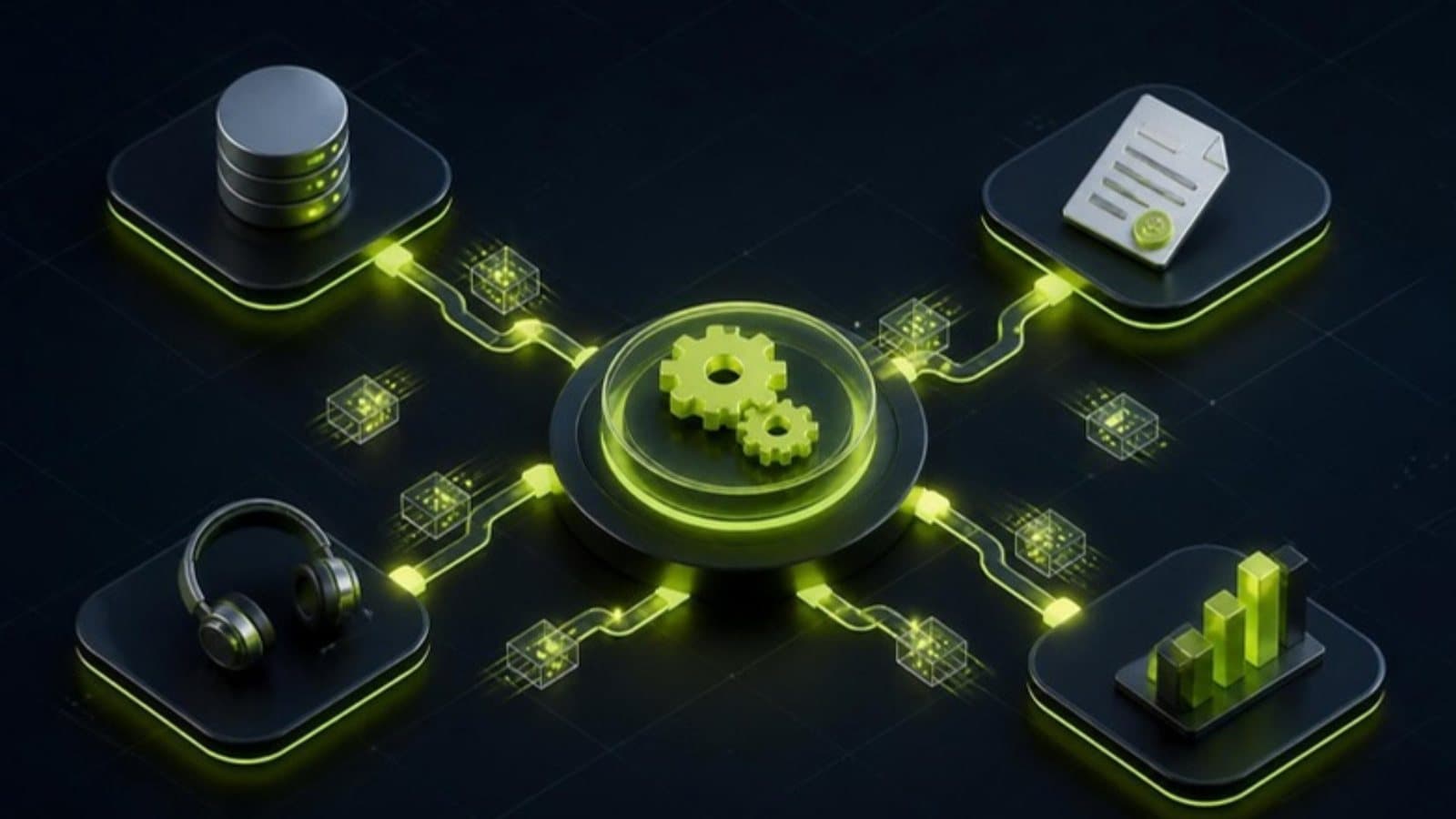
To connect your CRM to the rest of your stack with n8n, have the CRM send a webhook when something changes, let an n8n workflow do the work, and write the result back through the CRM's API, with idempotent writes and an error path on every workflow. Every CRM has an integrations page, and every integrations page stops exactly one step short of what you need. n8n is where that last step lives: self-hostable, priced per workflow execution rather than per task, and happy to talk to any API your stack exposes.
The four workflows worth building first
We start the same way on nearly every build, because these four remove the most manual admin for the least engineering effort. Each one is a self-contained workflow with its own error handling rather than a single monolith that fails in the middle.
- Enrichment on contact creation — company data, size and domain
- Deal-won to invoice, with the accounting record raised automatically
- Two-way sync between the CRM and your support tool
- A nightly export that feeds the reporting warehouse
Webhooks in, API calls out
The reliable pattern is event-driven: the CRM fires a webhook on the change you care about, n8n does the work, then writes the result back through the API. Polling every five minutes is the fallback for systems that cannot emit events — it costs executions and adds latency, so we use it sparingly.
Queue anything slow. If a workflow calls three external services in sequence, the webhook should acknowledge immediately and hand the work to a queued sub-workflow, otherwise the source system starts timing out and retrying, and you get duplicates.
Idempotency is not optional
Webhooks get delivered twice. Retries fire after a partial success. Without protection, that means two invoices for one deal — the kind of bug that erodes trust in the whole system.
We key every write on a stable external ID, check for an existing record before creating one, and log a processed-event ID so a replayed webhook becomes a no-op instead of a duplicate.
Build the failure path first
An automation nobody monitors is a liability. Every production workflow gets an error branch that captures the payload, posts a readable alert to the team channel, and stores the failed item so it can be replayed once the cause is fixed.
Retries use exponential backoff on transient errors only. A 401 should never be retried thirty times — it should page someone, because the credential has expired and nothing will work until it is replaced.
Self-hosted or cloud?
n8n Cloud is the right answer for most teams starting out: no infrastructure, sensible limits, and you can move later. Self-hosting earns its keep when data residency matters, when you are running high execution volumes, or when workflows need to reach systems inside a private network.
Either way, keep workflows in version control and use separate environments. Editing a live workflow that invoices customers is a bad afternoon waiting to happen.
Frequently asked questions
Can n8n connect to any CRM?
Yes. n8n has built-in nodes for popular CRMs such as HubSpot, Salesforce, Pipedrive and Zoho, and its HTTP Request node can call any CRM that offers an API or webhooks, including GoHighLevel. If the CRM can send or receive data over an API, n8n can connect it to the rest of your stack.
Which CRM workflows should I automate with n8n first?
Start with four: enrichment when a contact is created, an invoice raised automatically when a deal is won, a two-way sync between the CRM and your support tool, and a nightly export to your reporting warehouse. Together they remove the most manual admin for the least engineering effort.
Should n8n use webhooks or polling to sync a CRM?
Use webhooks wherever the CRM supports them. The CRM fires an event on the change you care about, n8n does the work and writes the result back through the API. Polling on a schedule is a fallback for systems that cannot send events, because it uses more executions and adds delay.
How do you stop n8n from creating duplicate CRM records?
Make every write idempotent. Key each record on a stable external ID, check whether it already exists before creating it, and log each processed event ID so a webhook delivered twice is ignored the second time instead of creating a second invoice or contact.
Should I self-host n8n or use n8n Cloud?
n8n Cloud suits most teams starting out because there is no infrastructure to run. Self-hosting makes sense when data has to stay in a specific region, when execution volumes are high, or when workflows need to reach systems inside a private network. You can move from one to the other later.