
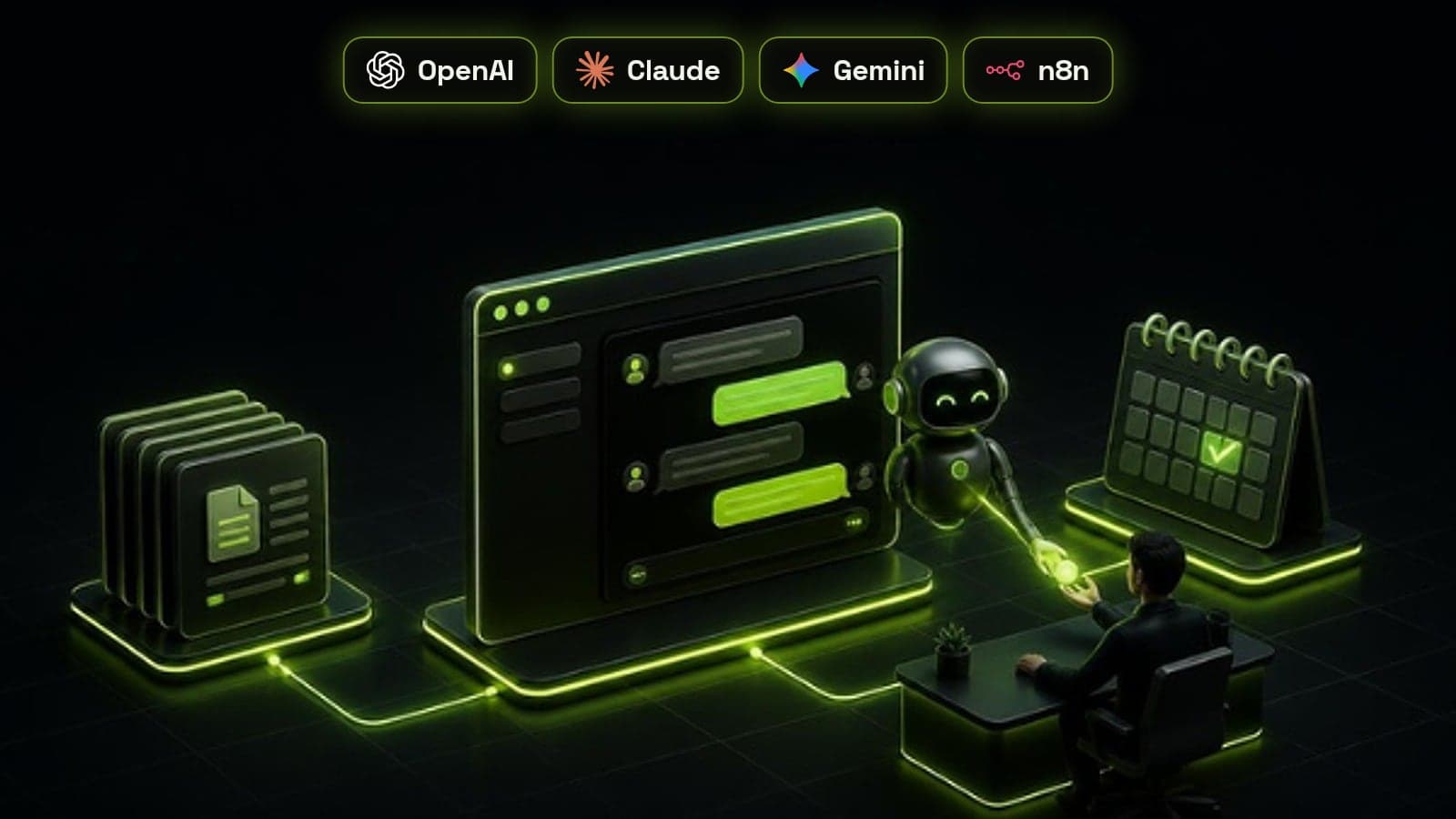
An AI chatbot for a business website is a chat assistant, powered by a large language model such as GPT, Claude or Gemini, that answers visitors' questions from your own content, qualifies them and books a call or hands them to a person when it should. The model is not retrained on your data. Instead, each answer is grounded in your approved documents at the moment the question is asked, which is what keeps it accurate. Built that way, a chatbot answers at 9pm on a Sunday as well as your best salesperson would on a Tuesday morning. Built carelessly, it invents prices and policies in your company's name. This guide covers what a good one does, how it works, and the build steps we follow.
What a business AI chatbot is, and how it differs from the old kind
The chatbots most people remember followed decision trees: pick a button, get a canned reply, and hit a dead end the moment your question did not fit. An AI chatbot understands questions written in plain language, follows up when something is unclear and answers in full sentences.
The more useful versions go a step further and take actions, such as checking calendar availability, booking a call or creating a contact in your CRM. At that point the chatbot is really an AI agent with a chat window, which is the distinction we explain in agentic AI vs AI automation.
What it should do on your website
A website chatbot earns its place when it does the jobs a person on your team would otherwise do for every visitor. These are the five we build for almost every service business.
- Answer questions about services, process, pricing ranges and service areas from your approved content
- Qualify the visitor with the same few questions your sales team would ask
- Book a call or appointment straight into the right person's calendar
- Hand the conversation to a person, with the full transcript, when the visitor asks or the bot is unsure
- Log every conversation, contact detail and booking to your CRM so nothing is lost
How 'trained on your data' actually works
Vendors say their chatbot is trained on your data, but for almost every business build the model itself is never retrained. The technique is called retrieval-augmented generation, or RAG. Your website pages, service sheets, FAQs and policies are split into short passages and stored in a searchable index. When a visitor asks a question, the system finds the most relevant passages and gives them to the model with an instruction to answer only from that material.
This has two practical consequences. Updating the chatbot is as simple as updating the documents, with no retraining. And the quality of its answers can never be better than the quality of those documents, so outdated price lists and contradictory policy pages have to be fixed before launch, not after.
Why grounding matters: the Air Canada case
In 2024, British Columbia's Civil Resolution Tribunal ruled against Air Canada after its website chatbot told a customer he could claim a bereavement fare refund after travelling, which the airline's actual policy did not allow. Air Canada argued it was not responsible for what its chatbot said. The tribunal disagreed, found the airline liable for negligent misrepresentation and ordered it to pay the difference.
The lesson for any business is simple: whatever your chatbot says, your company said. That is why we restrict answers to approved content, have the bot say it does not know rather than guess, and keep prices, discounts and policy exceptions behind a hand-off to a person.
Customers still want a way to reach a person
A Gartner survey of 5,728 customers found that 64% would prefer companies did not use AI for customer service, and their top concern was that AI would make it harder to reach a person. The same research found 53% would consider switching to a competitor over it. That is not an argument against chatbots. It is an argument against chatbots that trap people.
Gartner also predicts that by 2029, agentic AI will resolve 80% of common customer service issues without human intervention. Both findings point the same way: let the bot handle the routine questions quickly, and make the route to a person obvious for everything else.
- Say clearly that the visitor is talking to an AI assistant
- Offer a person at any point, not only after three failed attempts
- Hand over automatically on complaints, refunds, legal or medical questions and anything high value
- Pass the full transcript so the visitor never has to repeat themselves
- Outside working hours, take details and book a callback instead of leaving people waiting
How we build a website AI chatbot, step by step
Every chatbot build we run follows the same six steps. The first two take days, not weeks, and they decide most of the result.
- 1. Collect the questions: pull real questions from inbox, call notes, chat logs and sales calls, and group them by topic
- 2. Prepare the knowledge: one approved, current source for each answer, with outdated pages removed
- 3. Write the rules: what the bot may answer, what it must hand over, its tone of voice and the qualifying questions
- 4. Connect the systems: calendar for bookings, CRM for contacts and transcripts, and a channel for live hand-off
- 5. Test with real questions: including tricky, rude and off-topic ones, and fix every wrong answer at its source
- 6. Launch and review: start on a few pages or a share of traffic, read the transcripts weekly, then widen
Which platform to build it on
If you already run GoHighLevel or HubSpot, start with the AI chat built into your CRM, such as GoHighLevel's Conversation AI or HubSpot's Breeze customer agent. They are quick to set up, write straight to your contact records and cover common questions and bookings well.
A custom build earns its cost when the bot needs your own systems, stricter control over sources and hand-offs, more than one language, or the same assistant across website, WhatsApp and SMS. We usually build those on n8n with a model from OpenAI, Anthropic or Google chosen for the job, and we cover the wider decision in our guide to custom AI solutions: build vs buy.
How to measure whether it works
Judge a website chatbot on outcomes, not on the number of conversations it has. Read a sample of transcripts every week for the first two months, because the metrics only tell you where to look.
- Resolution rate: questions answered without a person stepping in
- Hand-off rate and reasons: what the bot passes on, and whether it should have
- Qualified leads and booked calls that started in chat
- Wrong or unsupported answers found in transcript reviews, each traced back and fixed
- Time to first reply for leads that arrive outside working hours
Mistakes that make chatbots backfire
Most chatbots that annoy visitors fail in the same predictable ways, and every one of them is avoidable.
- Launching on outdated or contradictory content
- Letting the bot quote prices, discounts or policy exceptions without a person checking
- Hiding the route to a person, or asking visitors to repeat themselves after the hand-off
- Not connecting it to the CRM, so leads from chat never get followed up
- Nobody reading transcripts after launch, so the same wrong answer repeats for months
Where to start
Pick the twenty questions your team answers most often, write one approved answer for each, and launch a chatbot that handles those and hands everything else to a person. Then connect it to your calendar and CRM so every conversation can become a booked call, as our AI lead qualification agents do for sales teams, and extend it to phone calls with an AI voice agent once chat is working. Done in that order, a chatbot stops being a widget on the corner of your site and becomes a reliable first conversation with every lead.
Frequently asked questions
How do I create an AI chatbot for my business website?
Start by collecting the questions customers actually ask and writing one approved answer for each. Then choose a platform, either the AI chat built into your CRM or a custom build, connect your knowledge, calendar and CRM, and set rules for when it hands over to a person. Test it with real questions before launching it on a few pages first.
Can I train an AI chatbot on my own business data?
Yes, but in most cases the model is not retrained. The chatbot uses retrieval-augmented generation, which searches your approved documents for the passages relevant to each question and answers from them. Updating the chatbot simply means updating those documents.
How much does an AI chatbot for a business website cost?
A chatbot built into a CRM you already use can cost little beyond your subscription and setup time. A custom chatbot connected to your own systems costs more, and most of that cost goes into preparing content, integrations and testing rather than the AI model itself. We give a custom quote after a free 30-minute call.
Are AI chatbots accurate?
They are accurate when they answer only from approved, current content and are told to say they do not know rather than guess. Without those limits they can invent answers. A tribunal held Air Canada liable in 2024 for a refund policy its chatbot made up, so grounding and transcript reviews matter.
Will an AI chatbot replace my customer service team?
No. A good chatbot handles routine questions, qualification and bookings, and passes complaints, complex cases and high-value conversations to people with the full transcript. Your team spends less time on repeat questions and more on the conversations that need them.
What is the difference between an AI chatbot and an AI agent?
An AI chatbot holds a conversation and answers questions. An AI agent can also take actions to reach a goal, such as checking availability, booking a call or updating a CRM record, within rules you set. Most useful business website chatbots today include some agent abilities.