
A custom AI solution is an AI system built around your own data, tools and rules, rather than a general-purpose app used as it comes. Most businesses do not need one on day one: ChatGPT, Claude, Gemini and the AI features inside their CRM cover a lot of ground. A custom build earns its cost when the work depends on your private data, has to act inside your systems, or must follow rules a generic tool cannot be trusted with. This guide explains how to tell the difference, what a custom solution is made of, and how we build them for service businesses.
Off-the-shelf AI covers more than most people expect
Before building anything, check what you already pay for. General assistants handle drafting, summarising and research well. CRM platforms such as GoHighLevel and HubSpot now include AI for writing messages, summarising conversations and answering simple chat enquiries. Automation tools like n8n, Make and Zapier can call an AI model as one step in a workflow, which covers a large share of what people call AI automation. We compare those three in our n8n vs Zapier vs Make guide.
If a task is generic, low risk and done by one person at a time, buying is almost always the right answer. It is faster, cheaper and someone else maintains it.
Five signs you need a custom AI solution
Custom becomes worth it when the gap between what a tool can do and what the business needs starts costing real money or real risk. These are the signals we look for.
- The answers depend on private knowledge: your pricing rules, policies, past projects or product data
- The AI has to take actions in your systems, such as updating the CRM, booking appointments or creating invoices
- Several tools have to work together, and copying data between them by hand is the real bottleneck
- The output must follow strict rules for compliance, brand or accuracy, with a human checking the risky cases
- Volume is high enough that per-seat or per-task pricing on generic tools gets expensive
What a custom AI solution is actually made of
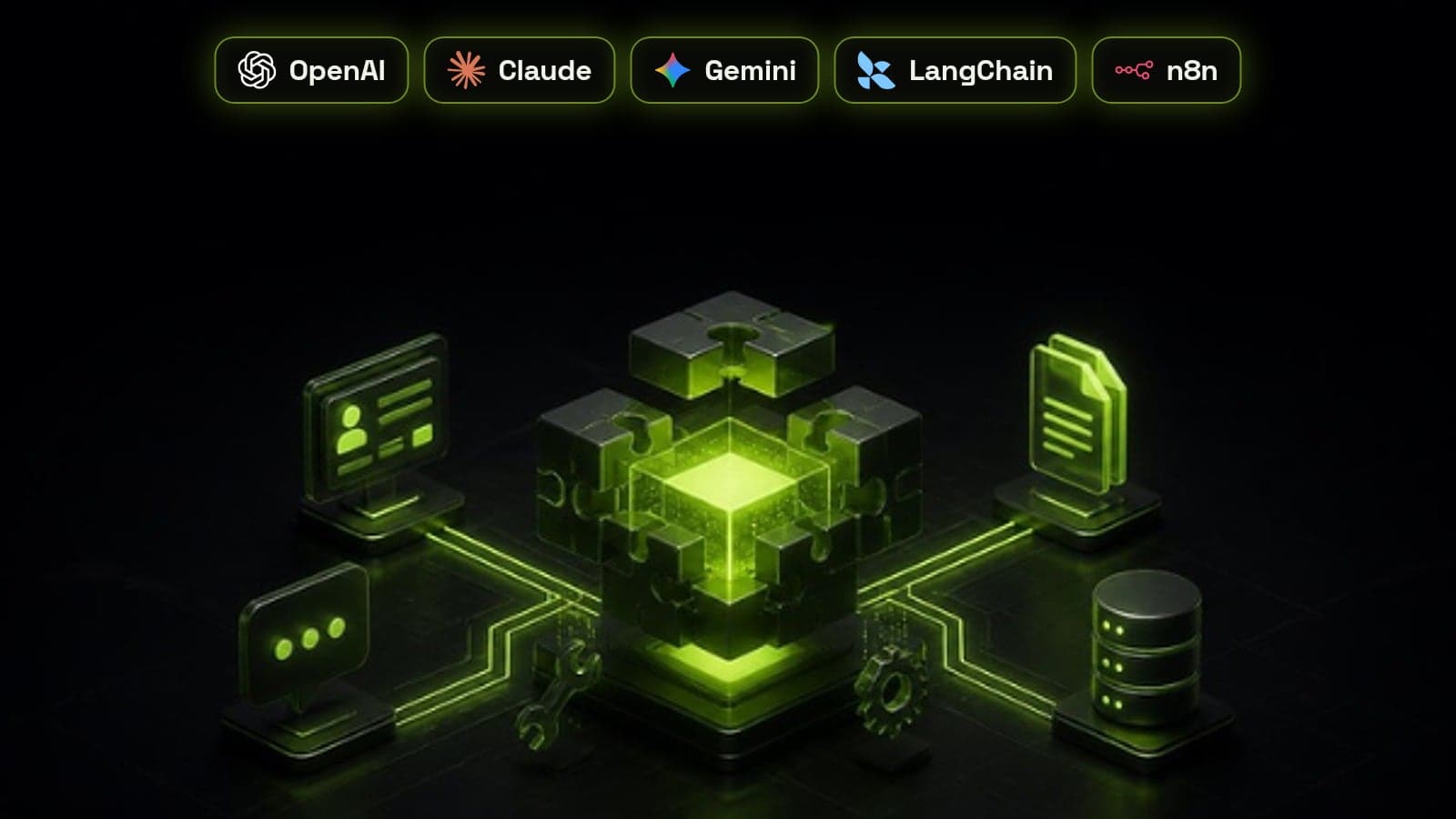
Custom rarely means training your own model. Almost every business build combines a leading model from OpenAI, Anthropic or Google with your data and your systems. The value is in how those pieces are connected, not in the model itself.
- A model: GPT, Claude or Gemini, chosen per task for quality, speed and cost
- A knowledge layer: your documents and records, retrieved at the moment of each question (often called RAG)
- Tools and integrations: the CRM, calendar, inbox and databases the AI is allowed to read from or act in
- Orchestration: the workflow logic, usually in n8n or code using a framework like LangChain, that decides what happens in what order
- Guardrails: rules on what the AI may say and do, plus a hand-off to a person when it is unsure
- Monitoring: logs and review of real conversations so problems are caught early
Agent or workflow: pick the simplest thing that works
Many custom solutions do not need an autonomous agent. A fixed workflow with one AI step, such as classifying an enquiry and routing it, is cheaper, faster and easier to trust. An agent that decides its own next steps is worth it only when the path genuinely varies from case to case.
We explain where that line sits in agentic AI vs AI automation. In practice, most of our builds are workflows with an agent at one or two points, like the AI lead qualification agents we deploy in front of sales teams.
How we build a custom AI solution, step by step
Every custom AI project we run follows the same five steps. The early ones are short and cheap on purpose, so a weak idea gets dropped before it gets expensive.
- 1. Discovery: map the task, the data it needs, the systems it touches and what good output looks like
- 2. Prototype: build the smallest working version on real examples and score it against your own judgement
- 3. Integrate: connect it to the CRM and tools it needs, with permissions limited to what the task requires
- 4. Guardrails and testing: add hand-off rules, test the edge cases, and agree what the AI must never do
- 5. Launch and monitor: roll out to a small share of real traffic first, review the logs weekly, then widen
What drives the cost
The cost of a custom AI solution is driven far more by integration and testing than by the model. Model usage for a typical business workload is usually a small line item next to the hours spent connecting systems, cleaning data and checking edge cases.
The biggest cost risk is messy data. If the CRM is full of duplicates and vague stages, the AI inherits the mess, which is why we often start with a CRM audit. Our AI & Automation retainers start from $3,200 a month and cover the build, monitoring and ongoing improvements, so the system keeps up as your business changes.
Mistakes that sink custom AI projects
Most failed AI projects we are asked to rescue went wrong in the same handful of ways.
- Starting with the technology instead of a specific, measurable task
- Feeding the AI outdated or contradictory documents
- Giving it write access to systems it only needs to read
- No human hand-off for unclear or high-stakes cases
- Launching to all customers at once instead of a small test group
- Nobody owning the system after launch, so it slowly drifts