
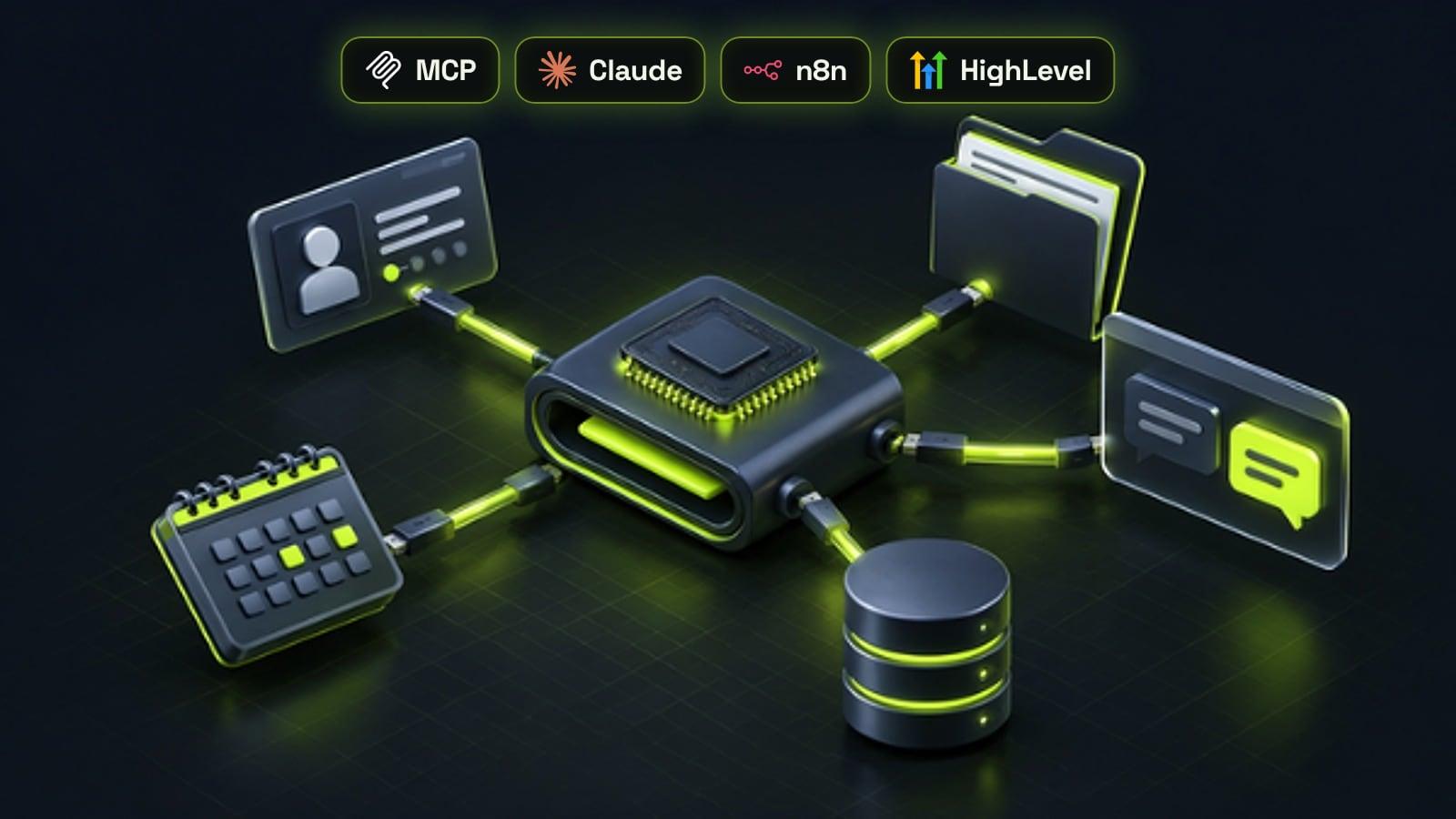
The Model Context Protocol (MCP) is an open standard for connecting AI applications to external systems such as a CRM, a calendar, a file store or an automation platform. A business tool publishes an MCP server that describes what it can do, and any AI assistant that supports MCP, including Claude, ChatGPT, Gemini, Microsoft Copilot and Cursor, can then look up data and take actions in that tool through one consistent connection. For a business, that means an assistant can check a contact, book a call or start a workflow without a custom integration for every pair of tools. The value depends on choosing a few useful connections and keeping permissions, approvals and logging tight.
Why AI assistants needed a common way to connect
A chatbot that can only see what you paste into it is limited. The useful work happens when an assistant can look up the customer, check the calendar, read the proposal and update the CRM. Until recently, every one of those links was a custom integration, built separately for each AI tool and each business system, and rebuilt when either side changed.
MCP replaces that tangle with one standard. The official documentation describes it as a USB-C port for AI applications: build the connection once on the business tool's side, and any compatible assistant can use it. That is the same shift AI agents need to move from answering questions to getting work done.
How MCP works
There are two sides. An MCP server sits in front of a system, such as a CRM, a database or a set of workflows, and lists what it offers. An MCP client is built into the AI application, such as Claude, ChatGPT or an agent you run in n8n, and connects to one or more servers. When a request needs outside information or an action, the assistant picks the right capability from the server and calls it.
Servers offer three kinds of building blocks, and each one has a different owner of control.
- Tools: actions the AI model can choose to call, such as searching contacts, creating a task or sending a message. The protocol expects clients to let users approve sensitive tool calls
- Resources: read-only information the application can pull in as context, such as documents, records or database schemas
- Prompts: ready-made templates a person chooses to run, such as summarise this account or draft a follow-up email
Who supports MCP
MCP was introduced by Anthropic and is now one of the most widely adopted AI standards. In December 2025 Anthropic donated it to the Agentic AI Foundation, a fund under the Linux Foundation co-founded by Anthropic, Block and OpenAI, with support from Google, Microsoft, AWS, Cloudflare and Bloomberg. At that point Anthropic reported more than 10,000 active public MCP servers and over 97 million monthly SDK downloads, with support in ChatGPT, Gemini, Microsoft Copilot, Cursor and Visual Studio Code as well as Claude.
For a business that matters for one reason: a connection you set up today is not tied to one AI vendor. If you switch assistants, or use different ones across the team, the same MCP servers keep working.
Practical ways a business can use MCP
The best first uses are small, frequent tasks where a person currently switches between tabs to find or update information.
- Sales: ask an assistant to pull a lead's history, open deals and last conversation before a call, then log the outcome
- Support: answer customer questions from your own policies and order data, with the retrieval approach in our RAG guide for documents
- Operations: create tasks, move pipeline stages or trigger a workflow from a plain-language request
- Reporting: ask questions about bookings, revenue or ad results without exporting spreadsheets
- Internal knowledge: let staff search shared drives and handbooks from the assistant they already use
MCP with GoHighLevel and n8n
HighLevel now publishes an official MCP server. After you approve access through OAuth, an assistant such as Claude, ChatGPT or Cursor can work across more than 550 operations in contacts, conversations, opportunities, calendars, payments and other areas, using a small set of tools that list locations, search for the right operation and then run it. HighLevel can also connect outside MCP servers to its own Conversation AI, Voice AI and workflow AI agents, so an AI Employee can reach systems beyond the CRM.
n8n works on both sides. The MCP Server Trigger node turns any n8n workflow into a tool an outside assistant can call, and the MCP Client Tool node lets an n8n AI agent use tools from other MCP servers. That makes n8n a practical place to put business rules, checks and approvals in front of an action, as covered in our guide to building an AI agent in n8n.
Security: what to get right before you connect anything
An MCP connection gives an AI system real access to real data, so treat it like giving a new team member a login. The protocol's own security guidance warns about risks such as servers that pass on more access than they should, malicious or look-alike servers, and instructions hidden in content that try to steer the assistant. Most problems come from connecting too much, too quickly.
- Use official servers from the vendor, or ones you build and host yourself, and review any third-party server before connecting it
- Give each connection the narrowest access it needs, ideally read-only first, using OAuth rather than shared API keys
- Require human approval for actions that send messages, move money or delete data
- Keep a log of every tool call, and review it in the first weeks
- Remove connections that are no longer used, and rotate credentials when staff leave
How to start without a big project
Pick one team and one repeated task, such as call preparation for sales. Connect only the systems that task needs, start with read-only access, and measure the time saved over a few weeks before adding write actions or more tools. Most small businesses get further with three well-chosen connections than with thirty.
If the task needs your own data, custom checks or a workflow behind it, a small amount of build work pays off. Our AI agent cost guide shows typical budgets, and our AI chatbots and agents service covers MCP setup, security and the workflows behind it.
Frequently asked questions
What is the Model Context Protocol?
The Model Context Protocol, or MCP, is an open standard for connecting AI applications to external systems such as CRMs, calendars, files and databases. A tool publishes an MCP server describing what it can do, and any compatible AI assistant can use it through one standard connection instead of a custom integration.
Which AI tools support MCP?
MCP was created by Anthropic for Claude and is now supported by ChatGPT, Gemini, Microsoft Copilot, Cursor and Visual Studio Code, among others. It is governed by the Agentic AI Foundation under the Linux Foundation, so it is not tied to a single vendor.
What is the difference between an MCP server and an API?
An API is how software talks to a system. An MCP server sits on top of APIs and describes the available actions and data in a standard way that AI assistants understand, so the assistant can discover and use them without custom code for each tool.
Does GoHighLevel have an MCP server?
Yes. HighLevel offers an official MCP server that connects through OAuth and gives compatible assistants such as Claude, ChatGPT and Cursor access to contacts, conversations, opportunities, calendars, payments and more, within the permissions you approve.
Is MCP safe for business data?
It can be, when set up carefully. Use official or self-hosted servers, give each connection the least access it needs, require approval for sensitive actions such as sending messages or payments, and keep a log of every action the assistant takes.
Do I need a developer to use MCP?
Not always. Many tools offer ready-made MCP servers that you connect with a sign-in. You need development help when you want an assistant to use your own systems, apply business rules before acting, or run custom workflows, which is where tools like n8n are useful.
Sources
- What is the Model Context Protocol (MCP)?, Model Context Protocol
- Understanding MCP servers, Model Context Protocol
- Security Best Practices, Model Context Protocol
- Donating the Model Context Protocol and establishing the Agentic AI Foundation, Anthropic
- How to Setup and Use the HighLevel MCP Server, HighLevel Support Portal
- MCP Server Trigger node documentation, n8n Docs