
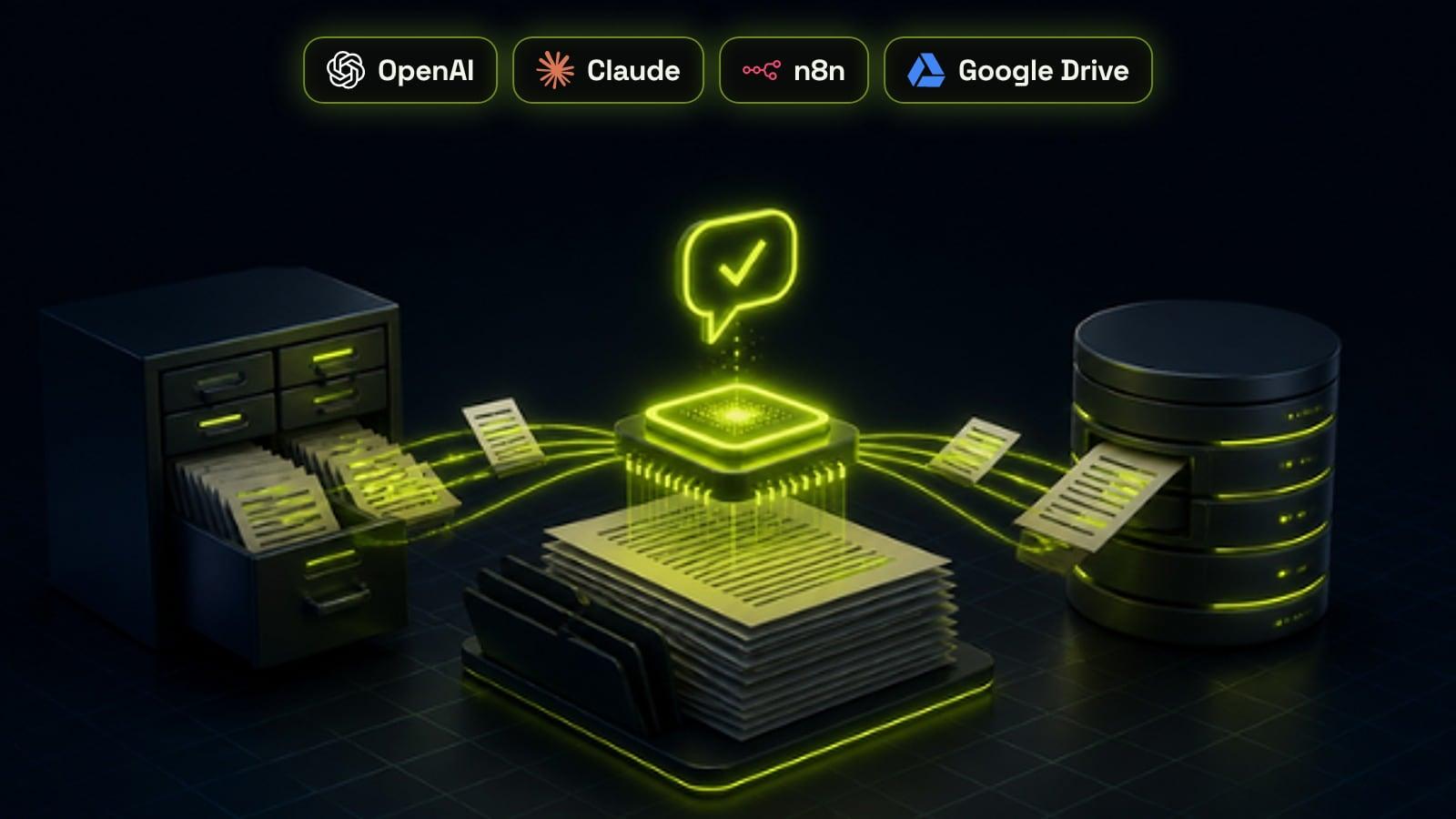
Retrieval-augmented generation, or RAG, is a way of making an AI model answer from your own documents instead of from memory. Before every answer, the system searches an index of your approved content, such as policies, price sheets, help articles and product data, and hands the most relevant passages to the model with an instruction to answer only from them. You need it when an assistant must give accurate, current, business-specific answers and your content is too large or changes too often to paste into a prompt. It does not retrain the model, it can show where each answer came from, and updating it is as simple as updating a document. Most failures come from messy source content and weak retrieval, not from the model.
Why a plain chatbot makes things up
A large language model answers from patterns it learned during training. It knows a lot about the world in general and nothing about your refund policy, this year's price list or the service you launched last month. When it is asked about them, it does not say it does not know. It writes the most plausible answer it can, which is often wrong.
That has real costs. In February 2024 a Canadian tribunal ordered Air Canada to pay a customer $812 after its website chatbot told him he could claim a bereavement discount after travelling, which the airline's own policy did not allow. The airline argued the chatbot was responsible for its own actions, and the tribunal rejected that outright: the business owns what its assistant says. RAG exists to stop exactly this kind of answer.
What RAG is, in plain terms
The term comes from a 2020 research paper by Patrick Lewis and colleagues at Facebook AI Research, University College London and New York University, which combined a language model with a searchable index of documents. The idea is simple: instead of relying on what the model remembers, look the facts up first and give them to the model as part of the question.
Think of it as the difference between a closed-book and an open-book exam. Without RAG, the model answers from memory. With RAG, it gets the relevant pages of your handbook in front of it for every question, along with an instruction to answer from those pages and to say so when they do not contain the answer.
How a RAG system works, step by step
Every RAG system, from a no-code chatbot to a custom enterprise build, follows the same basic pipeline. The quality of each step decides how good the answers are.
- Collect: gather the approved sources, such as help articles, policies, price sheets, product data, past support replies and CRM fields
- Split: break each document into short passages, usually a few hundred words or less, so the system can find the exact part that answers a question
- Index: store the passages in a searchable index, typically a vector database that matches by meaning, often combined with keyword search
- Retrieve: when a question arrives, find the handful of passages most likely to contain the answer
- Generate: send the question and those passages to the model with instructions to answer only from them and to cite them
- Fall back: when nothing relevant is found, say so and hand the question to a person instead of guessing
What businesses use RAG for
RAG is useful wherever people repeatedly ask questions whose answers already exist somewhere in your documents. The most common business uses are customer facing, but the internal ones often save more time.
- Website chatbots that answer questions about services, prices, opening hours and policies, as covered in our guide to AI chatbots for business websites
- Support assistants that draft replies from your help centre and past tickets for an agent to approve
- Internal knowledge assistants that answer staff questions about processes, HR policies and how-to guides
- Sales assistants that pull the right case study, spec sheet or pricing rule during a conversation
- Lead qualification agents that answer a prospect's questions accurately before booking a call, as in our guide to AI lead qualification
- Document search across contracts, proposals and reports, with answers that link back to the source
RAG, fine-tuning or a long prompt?
These three are often confused. Fine-tuning trains a model further on your examples. It is good at teaching a style, format or narrow task, but it is a poor way to store facts, because the facts get baked in and go stale the moment something changes. RAG keeps the facts outside the model, so updating a price means editing one document, and every answer can point to its source.
A long prompt is the simplest option of all. Anthropic's guidance on retrieval notes that if your knowledge base is under about 200,000 tokens, roughly 500 pages, you can often skip RAG and include the whole thing in the prompt, using prompt caching to keep it fast and affordable. A small business with one services page, an FAQ and a price list may not need a retrieval pipeline at all.
RAG earns its place when the content is larger than that, changes often, comes from several systems, or needs different access for different people. Our comparison of building or buying custom AI covers where each approach fits in a wider project.
- Use a long prompt: a small, stable set of documents and a single assistant
- Use RAG: large or changing content, several sources, citations or permissions needed
- Use fine-tuning: a consistent style, format or classification task, usually on top of RAG rather than instead of it
Why most RAG projects fail: the content
The model is rarely the problem. Gartner predicts that through 2026 organisations will abandon 60% of AI projects that are not supported by AI-ready data, and in its survey of 1,203 data management leaders, 63% said they either did not have the right data management practices for AI or were not sure. A RAG system can only be as accurate as the documents it retrieves from.
Before building anything, audit the sources. Old price lists, duplicate policies that disagree, answers buried in PDFs of scanned images and knowledge that only lives in someone's head will all surface as wrong or missing answers. The same applies to CRM data, which is why we often start with a CRM audit before automating.
- One current version of each document, with outdated copies removed or archived
- Short, self-contained answers rather than long marketing pages
- A named owner for each source who updates it when things change
- Clear labels for what is public, internal or restricted
- Text the system can read, not scanned images or slides with no words
How to make retrieval accurate
Most wrong answers in a RAG system happen at retrieval: the right passage exists but the search does not find it, so the model answers from the wrong one. Several well-tested techniques fix most of this. Anthropic's research on contextual retrieval found that adding a short description of the surrounding document to each passage, and combining meaning-based search with keyword search, cut retrieval failures by 49%. Adding a reranking step that re-scores the top results cut them by 67%.
None of these require a bigger model. They require care in how documents are split, labelled and searched, and a set of real questions to test against.
- Hybrid search: combine meaning-based vector search with keyword search, so exact terms like product codes and plan names are found
- Context on every passage: add the document title, section and a one-line summary, so a passage still makes sense on its own
- Reranking: retrieve more candidates, then use a reranking model to choose the best few
- Metadata filters: limit the search by product, region, language or date, so the system does not mix up versions
- Permissions: only retrieve what the person asking is allowed to see, enforced in the search, not in the prompt
- Citations: show the source of each answer, so users and your team can check it
Ways to build it
There are three broad routes, and the right one depends on how much content you have, how many systems it lives in and how much control you need.
Platform features are the fastest start. ChatGPT and Claude both let you add files to a project, and CRMs such as GoHighLevel include a knowledge base for their AI assistants. They work well for a single team and a modest set of documents, but give you limited control over how content is split, searched and permissioned.
A workflow tool such as n8n sits in the middle. You can connect Google Drive, Notion or your CRM, keep a vector store in sync and build an assistant with tools around it. Our walkthrough on how to build an AI agent in n8n shows the basic pattern. A fully custom build makes sense when you need strict permissions, several data sources, high volume or deep integration with your own product.
- Platform knowledge base: fastest, least control, best for one team and a small set of files
- Workflow tool such as n8n: flexible, connects to your systems, good for most small and mid-sized businesses
- Custom build: full control over retrieval, permissions and evaluation, needed for sensitive data and scale
What a RAG system costs
The running cost of RAG is usually modest. You pay to turn documents into embeddings once, a small amount to store them, and then for model usage on each question, which grows with the number and length of the passages you send. Our breakdown of what an AI agent costs shows the token maths with a worked example.
The real cost is the build and upkeep: cleaning and structuring the content, setting up sync from each source, testing against real questions and maintaining it as documents change. At Digistartup, RAG assistants are part of our AI chatbots and agents service, and every build gets a written scope and a custom quote after a free 30-minute call.
- Content preparation: often the largest one-off cost, and the one that matters most for accuracy
- Integrations: syncing Google Drive, Notion, a help desk or the CRM so the index stays current
- Model and embedding usage: billed by tokens, so short, relevant passages keep it low
- Vector storage: usually small for a business knowledge base
- Testing and monitoring: a question set, answer reviews and logs after launch
A rollout plan that works
Start narrow and measure from day one. Pick one use case with a clear owner, such as answering pre-sales questions on the website or helping support agents draft replies, and collect 50 to 100 real questions from emails, chats and tickets before you build. Those questions become the test set every change is checked against.
Launch with a person in the loop, either approving drafts or reviewing a sample of answers each week, and widen the scope only when the numbers hold. After launch, the work is mostly content: when an answer is wrong, fix the source document rather than the prompt, so the fix applies everywhere.
- Answer accuracy on the test set, checked by someone who knows the business
- Share of questions where the system correctly says it does not know
- Questions resolved without a person, and how often users still ask for one
- Time saved per reply for staff who use the drafts
- Sources that cause the most wrong answers, so you know what to fix first
Frequently asked questions
What is RAG in simple terms?
RAG, or retrieval-augmented generation, is a way of making an AI model look up information in your own documents before it answers. The system finds the most relevant passages and gives them to the model with the question, so the answer is based on your content rather than the model's memory.
Is RAG the same as training an AI on my data?
No. With RAG the model itself is never retrained. Your documents are stored in a searchable index and looked up at the moment of each question, so updating the AI is as simple as updating a document. Fine-tuning, which does change the model, is better for teaching a style or format than for storing facts.
Does RAG stop AI hallucinations?
It greatly reduces them but does not remove them completely. Answers improve when the right passages are found, the model is told to answer only from them, and the system says it does not know when nothing relevant is retrieved. Testing on real questions and reviewing answers after launch catches the rest.
When does a business need RAG?
You need it when an AI assistant must give accurate answers about your own products, prices or policies and that content is too large or changes too often to paste into a prompt. If your whole knowledge base is a few dozen pages and rarely changes, a well-written prompt with the documents included may be enough.
How much does a RAG system cost?
Running costs are usually small, mostly model usage per question plus a little for storage. The larger cost is the build: preparing content, connecting sources, testing and ongoing maintenance. Digistartup's AI and automation retainer starts from $3,200 a month, and every project gets a written quote after a free call.
Is my data safe in a RAG system?
It can be, if the system is designed for it. Keep the index in accounts your business owns, choose model providers whose business terms do not use your data for training, and enforce access rules in the search itself so people only retrieve what they are allowed to see.
Sources
- Retrieval-Augmented Generation for Knowledge-Intensive NLP Tasks, Lewis et al., NeurIPS 2020
- Introducing Contextual Retrieval, Anthropic
- Lack of AI-Ready Data Puts AI Projects at Risk, Gartner
- Air Canada found liable for chatbot's bad advice on plane tickets, CBC News