
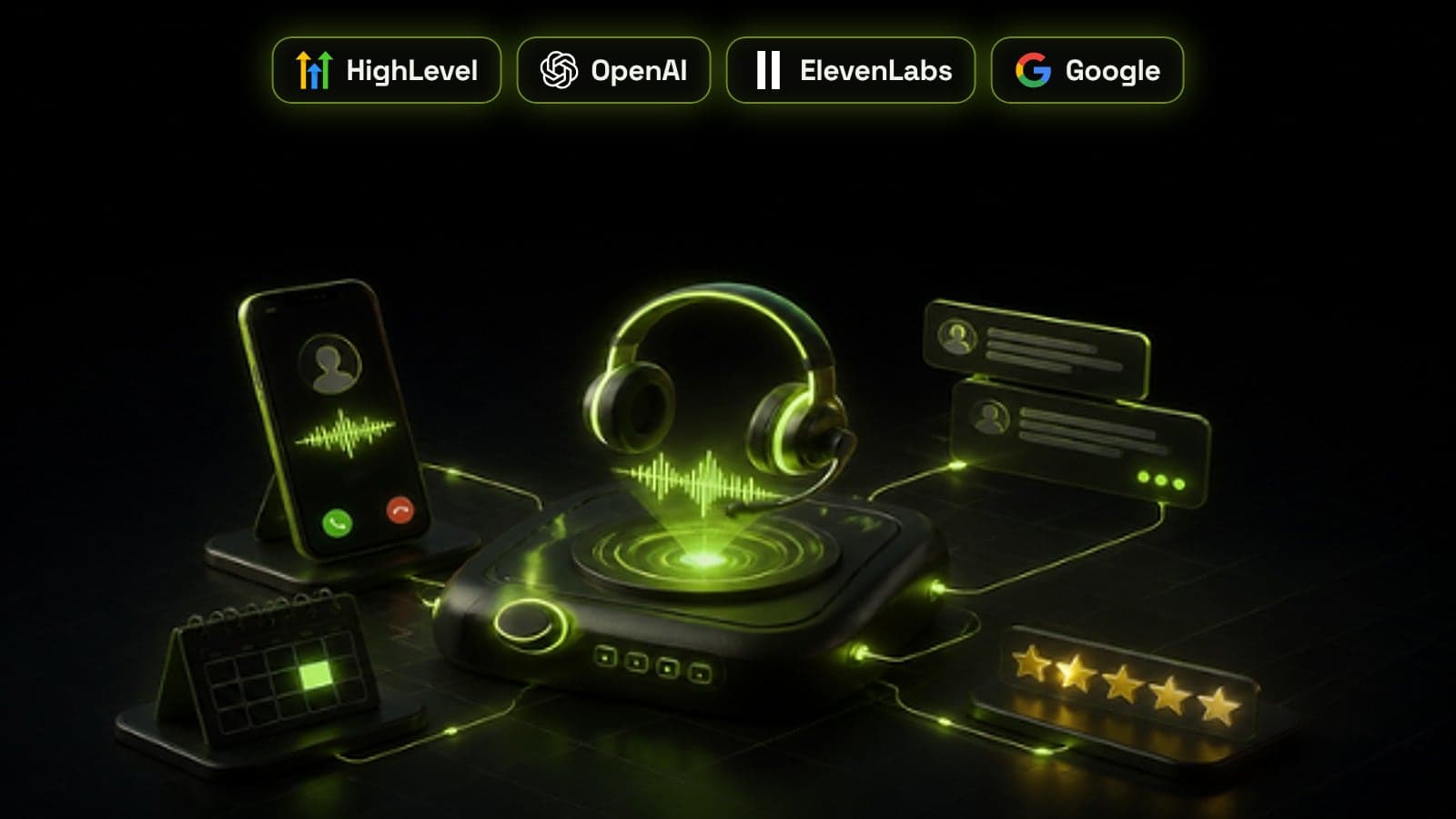
GoHighLevel AI Employee is HighLevel's set of built-in AI tools: Conversation AI replies to texts and chats, Voice AI answers and places phone calls, and Reviews AI, Content AI, Workflow AI and Funnel AI handle review replies, copy and automation inside the same account. It is priced per sub-account. AI Employee Growth costs $50 a month with 1,000 chat responses and 100 voice minutes included, AI Employee Unlimited costs $97 a month with fair-use unlimited chat and voice, and pay-per-use has no monthly fee. Phone calls and text messages are billed on top on every option. This guide covers what each tool does, how to pick a plan and how to roll it out without the bot embarrassing you in front of customers.
What is in the GoHighLevel AI Employee
AI Employee is not one bot. It is a group of AI features that sit inside each HighLevel sub-account and work on the same contacts, calendars, pipelines and workflows your team already uses. That shared data is the main reason to use it rather than bolting on a separate chatbot.
- Conversation AI: answers messages on the text channels you assign, such as SMS, web chat and social inboxes, and can book appointments
- Voice AI: answers inbound calls, places outbound calls from workflows and powers a voice widget on your website
- Reviews AI: drafts or sends replies to your Google and Facebook reviews
- Content AI: writes emails, posts and page copy, and generates images
- Workflow AI: builds workflows from a prompt and adds premium actions such as Intent Detection, Decision Maker, Summarize Text and Translate
- Funnel and Website AI: drafts funnel and website pages from a prompt
- Agent Studio: a builder for custom multi-step agents, billed separately on every plan
GoHighLevel AI Employee pricing in 2026
HighLevel prices AI per enabled sub-account, on top of your platform plan. According to its AI product pricing page, updated on 20 October 2026, there are three ways to pay. If you are still choosing the platform plan itself, our GoHighLevel pricing guide covers the $97, $297 and $497 plans and the other usage fees.
- AI Employee Growth, $50 a month: 1,000 Conversation AI responses, 100 Voice AI minutes, unlimited Reviews AI and Content AI, and 100 managed agent runs; overages are billed at pay-per-use rates
- AI Employee Unlimited, $97 a month: unlimited Conversation AI, Voice AI, Reviews AI and Content AI under HighLevel's fair-use terms, and 1,000 managed agent runs
- Pay-per-use, no monthly fee: Voice AI costs $0.045 a minute for the voice engine plus $0.015 a minute for a standard OpenAI or Cartesia voice (premium ElevenLabs voices cost more) plus model tokens; Conversation AI is billed at model token cost; Reviews AI is $0.01 per reply sent
- Free on every option: Funnel and Website AI, the Workflow AI builder and Email AI, within daily limits
- Extra on every option: phone call minutes, text messages and email sending through HighLevel's phone and email services, premium Workflow AI actions at $0.01 per run beyond any allowance, and Agent Studio
Which AI Employee plan should you choose?
Start from the channel that will carry the most volume. For voice, pay-per-use works out at roughly 6 to 8 cents a minute with a standard voice once model tokens are added, before the phone minutes you pay on every plan. At that rate a location that runs more than about 1,200 to 1,600 AI call minutes a month is usually cheaper on Unlimited, while one handling a few dozen after-hours calls is cheaper on pay-per-use.
Chat is cheaper per conversation, so pay-per-use often wins for a business that gets a handful of website chats a day. Growth suits a single location with steady but modest volume across chat and voice, because its 1,000 responses and 100 minutes cover a typical small clinic or service business. Unlimited makes sense when the AI is the first responder on every channel all day, or when you want a fixed cost you can put in a client retainer.
- Testing AI on one channel: pay-per-use
- One location with modest chat and some calls: Growth at $50
- High call volume, or AI answering every channel: Unlimited at $97
- Agencies: decide per client sub-account, since each one is billed separately
How to set up Conversation AI
Conversation AI has three modes. Off means the bot does not respond. Suggestive means it drafts each reply for a person to check and send. Auto-pilot means it replies on its own. Always launch in Suggestive mode, because the drafts show you exactly what the bot would have said before any customer sees it.
Train the bot only on approved sources: a knowledge base built from your FAQs, service pages, policies and price ranges. Then set its goals, such as which questions to ask, what details to collect and when to book an appointment. A bot without clear goals chats politely and books nothing. The same qualification logic we describe in AI agents for lead qualification applies here.
- Write the knowledge base first, in plain answers your team agrees with
- Connect the calendar and set booking rules, such as notice periods and buffers
- Set goals for the fields to collect, such as service needed, location and timing
- Decide when the bot stops and hands over to a person, and tag those conversations
- Run Suggestive mode for at least a week and fix every draft you had to rewrite
- Switch to Auto-pilot one channel at a time, starting with after-hours
How to set up Voice AI
A Voice AI agent needs a phone number, a voice, a script and rules for what it may do. HighLevel separates actions the agent takes during the call from actions after it. During the call it can transfer the caller, book an appointment, send an SMS, trigger a workflow or run a custom action. After the call it can update contact fields with what it learned.
Start with overflow and after-hours calls so the agent picks up only when your team cannot. Give it a warm transfer to a real person for anything urgent or sensitive, and send every call summary into the contact record. Our guide to AI voice agents for missed calls covers scripts, compliance and what to measure in more depth.
The AI features worth switching on first
Not every AI tool earns its place on day one. Reviews AI is usually the quickest win: replying to every review helps your Google Business Profile, and it costs a cent per reply on pay-per-use. Keep a person on negative reviews, though, so complaints get a human reply.
Workflow AI's premium actions are the next most useful. Intent Detection can sort inbound replies into interested, not interested and question, and Summarize Text can write a short note on a long conversation before it reaches sales. Both slot neatly into the CRM automation workflows most accounts already run, and into fast lead routing.
A safe rollout plan
The businesses that get the most from AI Employee treat it like a new hire. They give it a narrow job, check its work every day at first, and widen its role only when the transcripts show it is ready.
- Week 1: clean the CRM fields and tags the AI will write to, and write the knowledge base
- Week 2: Conversation AI in Suggestive mode on web chat, and Reviews AI with a person approving replies
- Week 3: Auto-pilot on after-hours chat, and Voice AI on after-hours and overflow calls
- Week 4: review transcripts, bookings and handovers, then widen hours or channels
- Every month: read a sample of conversations and update the knowledge base
Where the AI Employee falls short
AI Employee works best when everything it needs lives inside HighLevel. It gets harder when the answer sits in another system, such as live stock, a booking engine you do not run in HighLevel or a pricing tool, or when the agent must follow long multi-step logic across several apps. In those cases an agent built with n8n that reads and writes to HighLevel through its API gives you more control over the model, the tools and the logging.
It also inherits your data. If the CRM is full of duplicates and vague pipeline stages, the AI will book into the wrong calendar and tag the wrong people, which is why we often start with a CRM audit. For the wider decision between platform AI and a custom build, see our guide to custom AI solutions: build vs buy.
AI Employee for agencies
Because AI Employee is billed per sub-account, every client you switch it on for adds a fixed cost on Growth or Unlimited, or a variable one on pay-per-use. Price it into the retainer before you turn it on, and set wallet limits so a busy client cannot run up a surprise bill.
Build the bot setup once for each niche you serve, with the knowledge base outline, goals, booking rules and handover tags, then copy it to new clients and fill in their details. Our GoHighLevel agency setup checklist covers the rest of a clean client build, and our AI chatbots and agents service can build and test the AI layer for you.
Frequently asked questions
How much does GoHighLevel AI Employee cost?
AI Employee Growth costs $50 a month per sub-account and includes 1,000 Conversation AI responses and 100 Voice AI minutes. AI Employee Unlimited costs $97 a month per sub-account with fair-use unlimited chat and voice. Pay-per-use has no monthly fee and bills each minute, message or reply as you go.
What is included in GoHighLevel AI Employee?
It includes Conversation AI for texts and chats, Voice AI for phone calls, Reviews AI for review replies, Content AI for copy and images, Workflow AI and Funnel AI. Agent Studio, the builder for custom agents, is billed separately on every plan.
Does AI Employee Unlimited include phone and SMS costs?
No. Phone call minutes, text messages and email sending are billed through HighLevel's phone and email services on every plan, including Unlimited. Budget for them separately, especially if Voice AI will handle a lot of calls.
Can GoHighLevel AI answer phone calls and book appointments?
Yes. A Voice AI agent can answer inbound calls, place outbound calls from a workflow, book appointments into a HighLevel calendar, transfer callers to a person, send an SMS and update contact fields after the call.
Is GoHighLevel AI Employee worth it?
It is worth it when your leads, calendars and follow-up already run in HighLevel and you regularly miss calls or slow-reply to messages. For many service businesses, one extra booked appointment a month covers the plan. It is less useful if your key data lives in other systems the AI cannot reach.
Can agencies resell GoHighLevel AI Employee to clients?
Yes. Agencies switch AI Employee on per client sub-account and pass the cost on, either as part of the retainer or by rebilling usage. Rebilling with your own markup needs the $497 Agency Pro plan.