
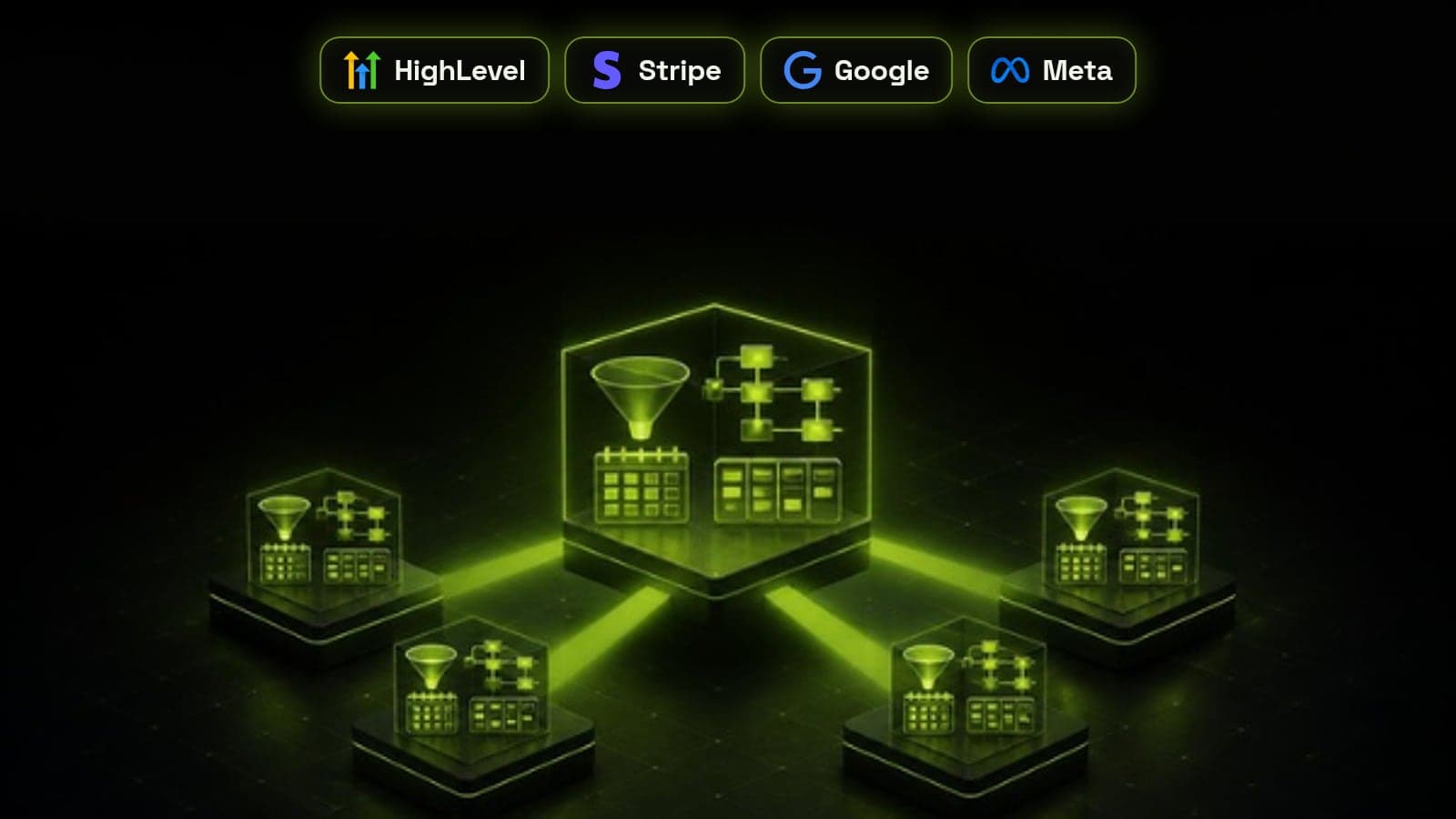
A GoHighLevel snapshot is a saved copy of a sub-account's setup, such as its workflows, funnels, pipelines, calendars, custom fields and templates, that you can load into any other sub-account in a few clicks. It is how agencies onboard a new client in hours instead of rebuilding the same system by hand. A snapshot copies the structure, not the data, so a deployed snapshot is a starting point rather than a live account. This guide covers what transfers and what does not, how to build a master account worth cloning, the steps between loading a snapshot and going live, and how to push updates safely once clients are running on it.
What a snapshot copies, and what it leaves behind
HighLevel snapshots copy the build: the assets you configured inside a sub-account. Anything tied to a specific business, person or connected account stays behind, because it cannot safely be cloned. Knowing this split up front is what turns a snapshot from a pleasant surprise into a predictable onboarding process.
- Copied: workflows and their triggers, funnels and websites, forms and surveys, calendars, pipelines and stages, tags, custom fields, custom value keys, email and SMS templates, trigger links, memberships and courses
- Not copied: contacts, conversations, opportunities, booked appointments and reviews
- Not copied: integrations such as Stripe, Google, Facebook and the phone provider, which must be reconnected in each account
- Not copied: phone numbers, A2P 10DLC registration, custom domains and email sending domains
- Not copied: users, their logins and calendar team assignments
Build the master account first, not the snapshot
A snapshot is only as good as the sub-account it is taken from. We keep one dedicated master account per offer or niche, never a live client account, because a client account is full of test contacts, one-off tweaks and client-specific copy that should never be cloned. If you are still setting up your agency, start with our GoHighLevel agency setup checklist.
The single most important habit is using custom values for anything that changes per client: business name, phone number, address, booking link, review link and signature. Workflows and funnels then reference the custom value instead of hard-coded text, so a new client needs one settings pass instead of edits across dozens of assets.
- Name workflows with a number and purpose, such as 01 New Lead Intake or 04 No-Show Recovery, so clients and your team can find them
- Group assets into folders by stage of the customer journey
- Leave outbound campaigns and reactivation workflows paused until each client is configured
- Delete test contacts, broken triggers and draft assets before taking the snapshot
How to create a snapshot in HighLevel
Creating the snapshot itself takes a minute once the master account is clean. From the agency view, open Account Snapshots, choose Create New Snapshot, name it with a version and date, select the master sub-account, and pick either all assets or only the categories you want. Taking a new dated version each time you change the master gives you an audit trail and something to roll back to.
Share links let you hand a snapshot to another agency account. Use a one-time or agency-restricted link when the snapshot contains anything you sell, so it cannot be passed around.
From loaded snapshot to live client: the deployment checklist
Loading a snapshot into a new sub-account is the quick part. Most go-live delays come from the items a snapshot cannot carry, several of which need approval from outside parties. We start those on day one so they are not holding up launch at the end.
- 1. Load the snapshot into a fresh, empty sub-account to avoid duplicate assets
- 2. Fill in every custom value, then spot-check a funnel page and an email for leftover master copy
- 3. Buy the phone number and submit A2P 10DLC registration straight away, since SMS depends on it
- 4. Connect the domain, the email sending domain, Stripe, Google and Facebook
- 5. Set calendar availability and assign team members to calendars and workflows
- 6. Test every form, booking link and workflow with a test contact, then switch workflows on one at a time, starting with lead intake
Pushing updates without overwriting client work
When you improve the master, you can refresh the snapshot and push the changes to sub-accounts that were built from it. The catch is that an update does not merge with each client's customisations. If you push an asset the client has edited, their version can be replaced, or a second copy can appear next to it.
Our rule is to push selectively. Choose only the new or changed assets, send structural changes to accounts that have not been customised, and apply changes by hand in heavily customised accounts. Keep a short changelog per snapshot version so you always know which clients are on which version.
Why workflows break after a snapshot is deployed
When a client says the automations are not working after onboarding, the cause is almost always one of a handful of gaps. The workflow logic copied correctly, but something it depends on was never set up in the new account.
- A custom value was left empty, so messages go out with blank fields or the wrong business name
- SMS steps fail because the phone number or A2P 10DLC registration is not approved yet
- Calendar steps do nothing because no team member is assigned or availability is not set
- Payment or ad-related triggers never fire because Stripe or Facebook was not reconnected
- The workflow is still paused or in draft from the master account
When a snapshot is the right tool, and when it is not
Snapshots shine when you sell the same system to many similar businesses, such as a lead capture and booking setup for dental clinics or home service companies. They save less when every client needs a very different build. In that case, a library of smaller snapshots, one for intake, one for reviews and one for reactivation, is usually more useful than one large snapshot. Pair the snapshot with clear CRM automation workflows and fast lead routing, and every new account starts on proven processes rather than a blank slate.
If you would rather not build and maintain the master yourself, our CRM Done-For-You service builds the snapshot, deploys it to your clients and keeps it updated.
Frequently asked questions
What is a snapshot in GoHighLevel?
A snapshot is a saved copy of a sub-account's setup, including workflows, funnels, pipelines, calendars, custom fields and templates. You can load it into any other sub-account to recreate the same system in minutes. It copies the structure only, not contacts or other live data.
Does a GoHighLevel snapshot copy contacts?
No. Snapshots do not copy contacts, conversations, opportunities or booked appointments. They also leave out integrations, phone numbers, domains and users, which need to be set up in each new sub-account.
How do I update a snapshot that clients are already using?
Make the change in your master account, refresh the snapshot to create a new version, then push the update to the linked sub-accounts. Select only the new or changed assets, because pushing an asset a client has edited can overwrite their version.
Can I load a snapshot into an existing sub-account?
Yes, but existing assets with similar names can end up duplicated, and choosing to overwrite can replace work already done in that account. Loading into a fresh, empty sub-account is the safer option whenever you can.
Why are my workflows not working after loading a snapshot?
The usual causes are empty custom values, SMS steps waiting on phone number or A2P 10DLC approval, calendars with no assigned team member, and integrations such as Stripe or Facebook that were never reconnected. Workflows can also still be paused or in draft from the master account.
Can I sell GoHighLevel snapshots?
Yes. Agencies sell snapshots through share links, marketplaces or as part of a white-label SaaS plan. Remove all client-specific content first and include written setup steps, since buyers still have to connect their own integrations, numbers and domains.