
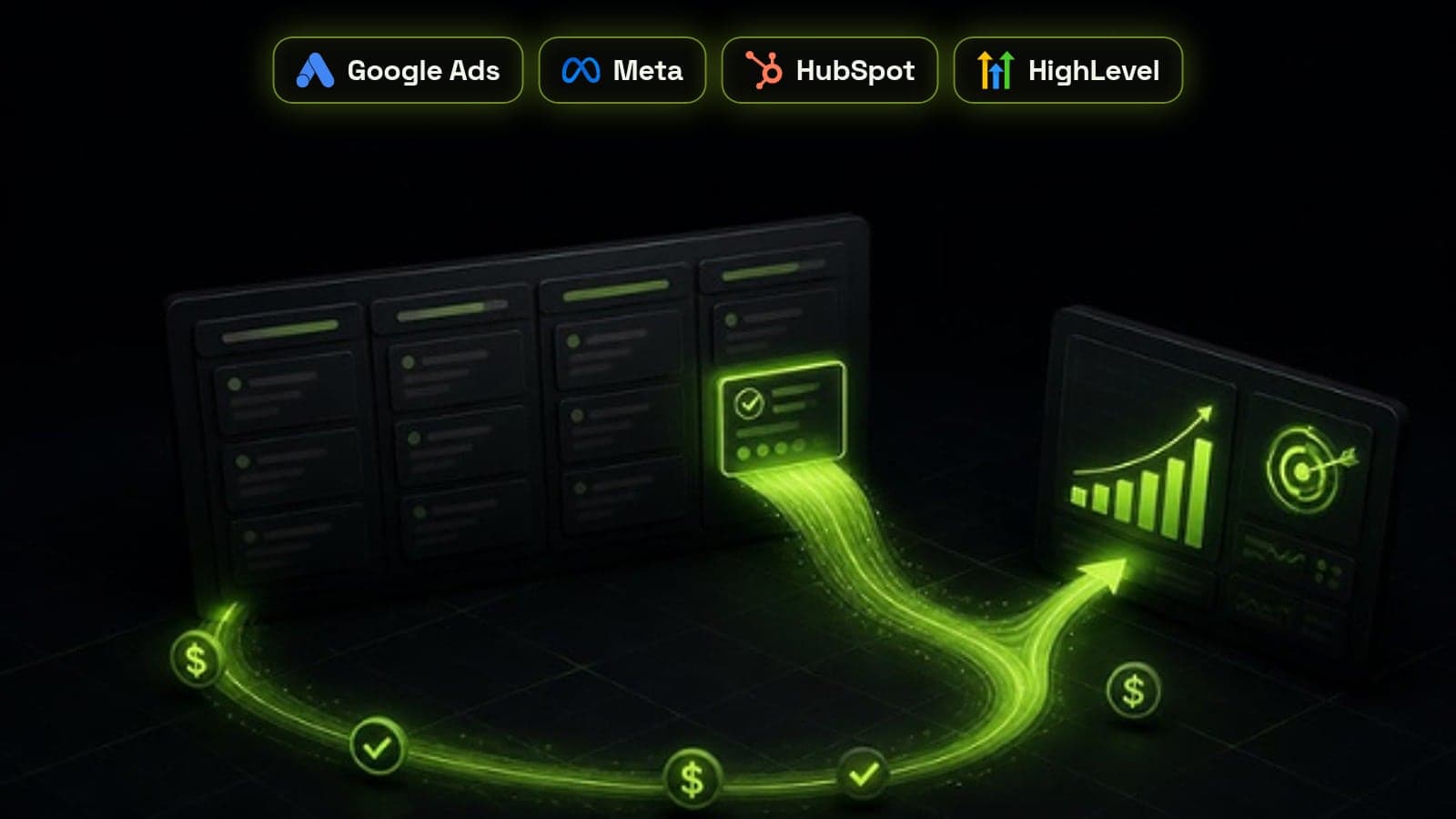
Offline conversion tracking means sending what happens to a lead after the form fill, such as a qualified call, a booked appointment or a closed deal, from your CRM back to the ad platform that brought it in. Without it, Google Ads and Meta only see form submissions, so their bidding algorithms learn to find more people who fill in forms, not more people who buy. With it, every campaign is judged and optimised on revenue. This is how we set it up for service businesses running Google and Meta ads into GoHighLevel, HubSpot or Zoho.
Why form-fill tracking quietly wastes ad spend
A standard pixel or Google tag fires when someone submits a form. That is all the ad platform ever learns. It cannot tell a ready-to-buy enquiry from a student, a competitor or a spam bot, so it treats them all as equal wins and spends more to find people like the cheapest ones.
The result is a familiar pattern: cost per lead looks great in the ads dashboard while the sales team complains that lead quality has fallen off a cliff. Both are true, because the platform is optimising for exactly what you told it to count.
What offline conversion tracking actually sends
Each time a lead reaches a meaningful stage in your CRM, you send an event back to the ad platform with an identifier that ties it to the original click or ad, the stage name, the time it happened and, for sales, the value.
The platform matches that event to the ad interaction that started it. Reporting then shows which campaigns, ad sets and keywords produce real pipeline, and Smart Bidding or Meta's delivery system can optimise towards those people instead of towards anyone who fills a form.
- An identifier: Google click ID (GCLID), Meta lead ID or click ID, or hashed email and phone
- The CRM stage reached, such as qualified, booked, proposal sent or won
- When it happened, as a timestamp
- A value and currency for stages that carry revenue
Google Ads: GCLID imports or enhanced conversions for leads
Google offers two ways in. The older one captures the GCLID from the landing page URL into a hidden form field, stores it on the CRM contact, and uploads it with each conversion. Google accepts GCLID conversions for up to 90 days after the click.
The newer one, enhanced conversions for leads, matches on hashed email or phone captured by the Google tag when the form is submitted, so you do not depend on a click ID surviving redirects and form tools. Google recommends it for better cross-device matching, but its upload window is shorter, at 63 days. For most service businesses with sales cycles under two months, enhanced conversions for leads is the better default, with the GCLID stored as a fallback.
Google also advises uploading at least daily and letting a new offline conversion run for a cycle or two before using it to steer bidding.
Meta: the Conversions API and CRM lead stages
Meta's route is the Conversions API. For leads from Meta lead ads, the CRM integration sends each lead stage with the Meta lead ID, the stage as the event name, the action source set to system_generated and the CRM named as the source. For leads from your website, you send hashed email and phone, plus the click ID where you have it.
Meta is stricter on timing than Google: an event's timestamp can be no more than seven days before you send it. That makes a daily or real-time sync essential. Weekly batch uploads simply get rejected.
Step 1: capture identifiers on every lead
Nothing downstream works if the CRM never stores the identifiers. Add hidden fields to every lead form for GCLID, GBRAID and WBRAID (Google's click IDs), the Meta click ID (fbclid, stored as fbc), and UTM source, medium and campaign, then map them to contact fields in the CRM.
Test with a real ad click, not a direct visit. Redirects, booking widgets and multi-step forms often strip URL parameters, and you want to find that out before you have spent a month of budget.
Step 2: choose the stages that count
Send three to five stages, not every field change. A typical set is lead created, qualified, appointment booked and deal won. Give the won stage the real deal value so the platforms can bid on revenue rather than volume.
This is where a clean pipeline pays off. If stages mean different things to different reps, the signal you send is noise. Our CRM audit checklist covers fixing stage definitions first.
- Lead created: the baseline, already tracked online
- Qualified: a human or AI agent confirmed fit
- Booked: a sales call or appointment is in the calendar
- Won: the deal closed, sent with its value
Step 3: automate the sync from your CRM
HubSpot has native ad conversion events that sync lifecycle stages to Google and Meta. GoHighLevel can fire conversion events from its workflows. Where a native connector does not cover the stages, platforms or timing you need, we build the sync in n8n: a workflow triggered by a stage change that hashes the contact details, calls the Google Ads and Meta APIs, and logs every response.
The trigger should be the same stage change that drives your CRM automation workflows, so tracking never drifts from what the sales team actually does.
Step 4: switch bidding over carefully
Do not point Smart Bidding or Meta campaigns at a brand-new offline conversion on day one. Let it collect data alongside your existing form-fill conversion for two to four weeks, check that the numbers match the CRM, and only then make the deeper stage the primary conversion.
Low-volume accounts often do best optimising for qualified leads or booked calls rather than won deals, because the platforms need a steady flow of conversions to learn from. Move further down the funnel as volume allows.
Mistakes that break offline conversion tracking
Most broken setups we audit fail in a handful of predictable ways. Check these before trusting the reports.
- Hidden fields that never capture the click ID because of redirects
- Weekly uploads that miss Meta's seven-day window
- Unhashed or badly formatted emails and phone numbers that fail to match
- Counting the same conversion twice, online and offline
- Sending every stage change, so the platform cannot tell which one matters
- Switching bidding to a new conversion before it has enough data